
UI/UX Design in 2026: How to Build Digital Products People Love to Use
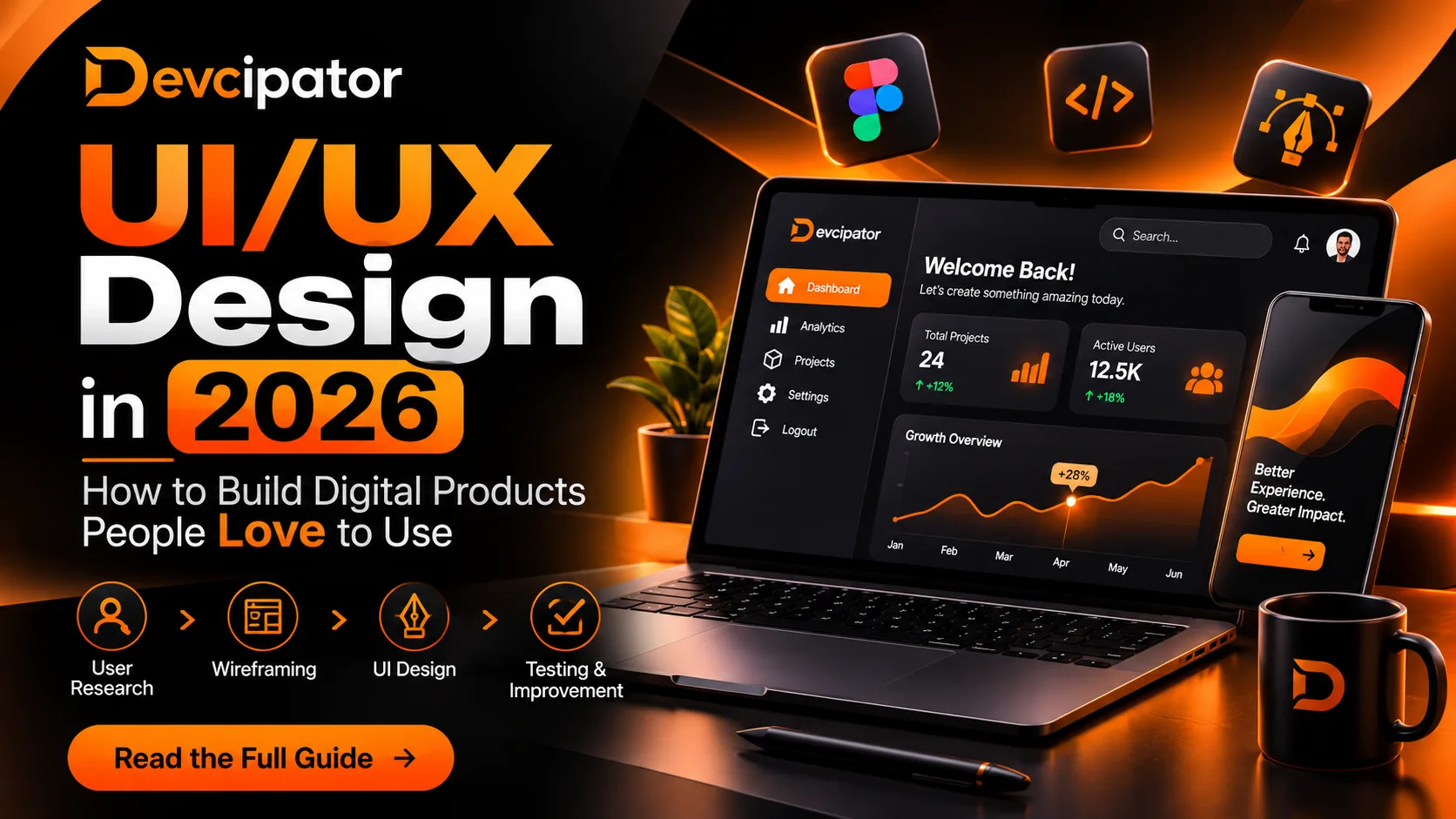
UI/UX Design in 2026: How to Build Digital Products People Love to Use
Introduction
A digital product can have powerful features, modern technology, and an attractive interface. But if users struggle to understand how it works, they may leave before experiencing its value.
This is where UI/UX design becomes essential.
User Interface (UI) and User Experience (UX) design help businesses create digital products that are visually appealing, easy to navigate, and built around real user needs. Whether you're developing a SaaS platform, a startup MVP, a mobile application, or a business website, thoughtful design can make a significant difference in how people interact with your product.
In 2026, designing successful digital products is about more than creating beautiful screens. It requires understanding users, simplifying workflows, solving problems, and continuously improving the experience.
In this guide, we'll explore UI/UX design, its importance, the design process, modern trends, and how businesses can build better digital experiences.
What Is UI/UX Design?
UI/UX design combines two important disciplines that work together to create effective digital experiences.
What Is User Interface (UI) Design?
UI design focuses on the visual and interactive elements of a digital product.
It includes:
Colors and typography
Buttons and interactive components
Layouts and spacing
Icons and visual elements
Navigation menus
Design systems and component consistency
The goal of UI design is to create interfaces that look professional, communicate clearly, and make interactions easy to understand.
What Is User Experience (UX) Design?
UX design focuses on the overall experience users have when interacting with a product.
It includes:
Understanding user needs and expectations
Researching user behavior
Creating user journeys and workflows
Organizing information effectively
Reducing friction in important tasks
Testing and improving usability
A good UX helps users accomplish their goals without unnecessary confusion or frustration.
UI makes the interface understandable and visually clear. UX makes the overall experience useful, intuitive, and efficient.
Why UI/UX Design Matters for Businesses
UI/UX design is not simply a visual improvement. It can support important business goals by making products easier to use and understand.
1. Improve User Engagement
When users understand how a product works, they can interact with it more confidently.
Clear navigation, useful feedback, and intuitive workflows help users explore features without unnecessary frustration.
2. Support Better Conversion Rates
A confusing signup process or complicated checkout experience can create unnecessary barriers.
Thoughtful UI/UX design can simplify these journeys, helping visitors understand the value of a product and complete important actions.
3. Improve Customer Retention
Users are more likely to continue using products that consistently help them accomplish their goals.
For SaaS platforms and web applications, a smooth experience can make everyday interactions easier and more valuable.
4. Reduce Development Rework
Designing and validating user flows before development begins can help teams identify usability problems earlier.
This makes it easier to discuss requirements, review layouts, and align stakeholders before investing in implementation.
5. Strengthen Brand Perception
Consistent typography, colors, layouts, and interactions create a more professional digital experience.
A thoughtful interface can help businesses communicate quality, reliability, and attention to detail.
The UI/UX Design Process: From Idea to Prototype
A successful design process begins with understanding the problem rather than immediately creating screens.
Step 1: Understand Your Users
Before designing anything, identify who will use your product and what they need to accomplish.
Research may include:
User interviews
Competitor analysis
Surveys
Business requirements
User pain points
Existing workflow analysis
This research helps designers make informed decisions instead of relying entirely on assumptions.
Step 2: Define Product Goals
Every digital product should have a clear purpose.
For example, a SaaS platform may focus on helping businesses manage customers, automate workflows, or track performance.
Defining the primary goals helps determine which features, workflows, and interactions deserve the most attention.
Step 3: Create User Flows
User flows describe how people move through a product to complete specific tasks.
For example, a SaaS onboarding flow might include:
Visit the website.
Create an account.
Verify email.
Complete onboarding.
Access the dashboard.
Start using the main feature.
Mapping these steps helps designers identify unnecessary complexity and improve the overall journey.
Step 4: Build Wireframes
Wireframes are simplified layouts that show the structure of a page or application.
They help teams focus on:
Content hierarchy
Navigation
Screen structure
Feature placement
User interactions
Wireframes make it easier to evaluate the product's structure before spending time on detailed visual design.
Step 5: Design the UI
Once the structure is established, designers create the visual interface.
This includes selecting typography, colors, components, spacing, and interactive elements.
A consistent design system can help maintain visual quality across different screens and features.
Step 6: Create Interactive Prototypes
Interactive prototypes demonstrate how a product may work before development begins.
Using tools such as Figma, designers can connect screens and simulate user interactions.
Prototypes allow stakeholders to explore the experience, review functionality, and provide feedback early.
Step 7: Test and Improve
Design testing helps determine whether users can understand and complete important tasks.
Testing may identify:
Confusing navigation
Unclear buttons
Difficult workflows
Missing information
Accessibility issues
Unexpected interactions
The design can then be refined based on findings.
Essential UI/UX Principles for Modern Digital Products
Keep the Interface Simple
Avoid unnecessary elements that distract users from their primary goals.
A focused interface makes it easier to understand what matters and where to go next.
Maintain Visual Consistency
Use consistent typography, spacing, colors, and components throughout the product.
Consistency helps users recognize patterns and understand interactions more quickly.
Design for Accessibility
Digital products should be usable by people with different abilities and needs.
Consider:
Readable typography
Sufficient color contrast
Keyboard navigation
Clear focus states
Meaningful labels
Accessible form controls
Accessibility should be considered throughout the design process rather than added at the end.
Prioritize Mobile Responsiveness
Users interact with digital products across different screen sizes.
Responsive design ensures that interfaces adapt appropriately to mobile phones, tablets, laptops, and desktop screens.
Provide Clear Feedback
Every important interaction should communicate what happened.
Examples include:
Success messages
Loading indicators
Error explanations
Form validation
Confirmation dialogs
Good feedback reduces uncertainty and helps users understand the system.
UI/UX Design for SaaS Platforms, Web Apps, and MVPs
Different digital products have different design requirements.
SaaS Platforms
SaaS products often include complex workflows, dashboards, account settings, and subscription features.
Good UX helps users navigate these functions without feeling overwhelmed.
Important design areas include:
Dashboard organization
User onboarding
Data visualization
Subscription management
Account settings
Feature discoverability
Web Applications
Web applications should provide clear navigation, responsive layouts, and efficient interactions.
Designers need to consider how users move between pages, complete tasks, and access important information.
Startup MVPs
For startup MVPs, design should focus on the product's essential value.
Instead of designing every possible feature, teams should prioritize the primary user journey and the functionality needed to validate the idea.
A focused MVP makes it easier to launch, collect feedback, and improve the product based on real usage.
How AI Is Changing UI/UX Design in 2026
AI tools are making certain design tasks faster and more accessible.
They can assist with:
Generating initial interface concepts
Exploring layout variations
Creating design ideas
Supporting research analysis
Producing initial content
Accelerating repetitive design tasks
However, faster design production does not automatically create better user experiences.
AI-generated interfaces still require thoughtful evaluation, usability testing, accessibility checks, and alignment with product requirements.
The real opportunity is to combine AI-assisted workflows with human creativity, research, product strategy, and design judgment.
AI can help generate screens faster. Understanding users is what helps make those screens meaningful.
Common UI/UX Design Mistakes to Avoid
Even visually impressive products can struggle when important design decisions are overlooked.
Here are some common mistakes:
Designing without understanding users
Prioritizing appearance over usability
Adding too many features to the interface
Ignoring mobile responsiveness
Using inconsistent components
Making navigation unnecessarily complicated
Skipping usability testing
Treating accessibility as an afterthought
Failing to improve the design after launch
Avoiding these mistakes can help businesses create more practical, user-focused digital products.
How Devcipator Helps Businesses Build Better Digital Experiences
At Devcipator, we approach UI/UX and product design with a focus on the people using the product, the problem being solved, and the business goals behind it.
Our UI/UX design services help businesses establish clear user flows, intuitive interfaces, and prototypes before development begins.
We support businesses building:
SaaS Platforms: User dashboards, onboarding experiences, subscription interfaces, and product workflows.
Web Applications: Responsive interfaces designed around user needs and business requirements.
Startup MVPs: Focused product experiences that prioritize essential features and core user journeys.
Business Platforms: Simplified workflows that help teams manage operations more efficiently.
Mobile Applications: User-friendly experiences designed for mobile interaction.
Our process connects product strategy, UI/UX design, development, and testing to help businesses move from ideas toward practical digital solutions.
Learn more about our UI/UX & Product Design Services or explore how we can help you plan your next digital product.
Final Thoughts
UI/UX design plays an important role in building successful digital products.
A beautiful interface may attract attention, but a useful and intuitive experience is what helps users accomplish their goals.
By understanding users, simplifying workflows, maintaining consistency, and testing designs before development, businesses can create products that are easier to use and more valuable to their customers.
In 2026, the strongest design approach combines thoughtful research, practical product strategy, modern design tools, and continuous improvement.
Whether you're planning a SaaS platform, a web application, or a startup MVP, start with the people who will use it.
Don't just design screens. Design experiences that solve real problems.
Ready to Build Your Digital Product?
Have a SaaS idea, startup MVP, or web application in mind?
At Devcipator, we help businesses transform ideas into practical digital products through UI/UX design, product development, and modern technology.
Let's discuss your project and explore how to turn your idea into a user-focused digital experience.
Start your project with Devcipator: https://www.devcipator.com/
Related articles

UI/UX Design for SaaS Products: Best Practices to Create User-Friendly Applications
Discover how effective UI/UX design can improve SaaS applications. Explore user research, dashboard design, onboarding, responsive layouts, and best practices to create user-friendly digital products.

UI/UX Design for Web Apps: How Better User Experiences Drive Business Growth
Discover how effective UI/UX design improves website conversions, simplifies SaaS workflows, increases user retention, and helps businesses build better digital products. Learn practical design strategies for web apps, mobile apps, and startup MVPs.

UI/UX Design Isn’t Dying. Its Purpose Is Evolving.
AI can generate beautiful interfaces in minutes, but a good-looking design doesn’t automatically create a great user experience. Here’s why research, strategy, and validation matter more than ever.