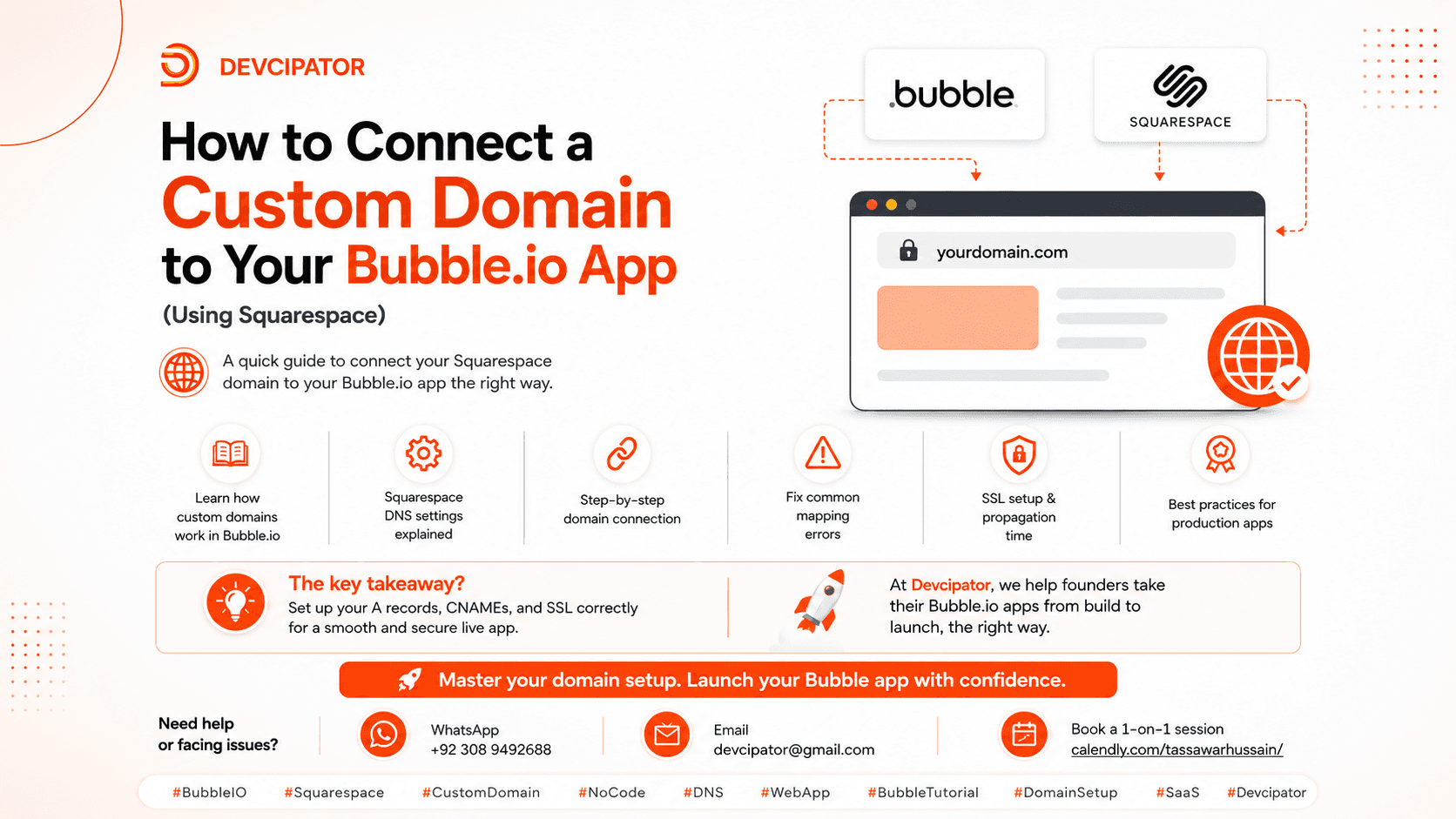
Launching your Bubble.io app is only half the job. Connecting a custom domain to your Bubble.io app is what makes it feel like a real, trustworthy product — and it's essential for branding and SEO.
If your domain is registered with Squarespace, this guide walks you through exactly how to connect your custom domain to Bubble.io, step by step.
How Custom Domains Work in Bubble.io
When you connect a custom domain to your Bubble.io app, you're telling the internet: "when someone types mydomain.com, send them to my Bubble app instead of a blank Squarespace page."
Bubble.io uses two DNS records to make this happen: an A record, which points your root domain to Bubble's servers, and a CNAME record, which points a subdomain like www to Bubble's hosting. Once these DNS records are set up correctly in Squarespace, traffic routes straight to your live Bubble app.
Step 1: Find Your DNS Settings in Squarespace
Log in to your Squarespace account, then go to Settings, then Domains. Select the domain you want to connect and open DNS Settings (sometimes labeled Advanced Settings, depending on your plan). This is where you'll add the domain records Bubble provides.
Step 2: Get Your Domain Records from Bubble.io
Open your Bubble app editor and go to Settings, then Domain/Email. Enter your custom domain, for example myapp.com, and Bubble will generate the exact A record and CNAME values you need to connect your domain. Keep this tab open so you can copy these values into Squarespace.
Step 3: Add the A Record in Squarespace
Click Add Record, set the Type to A, set the Host to @ to represent your root domain, and paste the IP address Bubble provided into the Data or Value field. Save your changes.
Step 4: Add the CNAME Record in Squarespace
Click Add Record again, set the Type to CNAME, set the Host to www, and paste the value Bubble gave you into the Data or Value field. Save your changes.
Step 5: Confirm the Domain Connection in Bubble
Go back to your Bubble app's Domain settings and check the connection status. It will show as pending until DNS changes propagate, then switch to connected once everything is live.
Fixing Common Domain Mapping Errors
If your domain shows "not verified" after 24 hours or more, check for duplicate A or CNAME records left over from Squarespace's default parking page — these conflict with your new records. If www works but your root domain doesn't (or the other way around), make sure both the A record and the CNAME record are added, since most beginners only set up one. SSL errors or "Not Secure" warnings usually mean DNS hasn't fully propagated yet or Bubble hasn't finished issuing your certificate, so give it more time. Always copy-paste values directly from Bubble instead of retyping them, since a single typo will break the domain connection.
SSL Setup and Propagation Time for Bubble.io Apps
Once your DNS records are correctly in place, Bubble automatically issues a free SSL certificate for your custom domain, so there's nothing extra to buy or install. DNS propagation typically takes anywhere from a few minutes up to 24 hours, and SSL certificate issuance usually follows shortly after, sometimes taking a few extra hours. It's completely normal to see "Not Secure" warnings during this window — it doesn't mean something is broken, it just needs time.
Best Practices for Production Bubble.io Apps
Add both the root domain and the www version, and set up a redirect so both point to the same destination. Don't delete your DNS records once your app is live, since accidental removal is one of the most common causes of downtime. Test your domain in an incognito window after setup to avoid cached results giving you a false read, and keep screenshots of your Bubble and Squarespace domain settings saved somewhere so you can compare quickly if something breaks later.
This Guide Is Perfect If:
- You built an app on Bubble.io
- You purchased your domain from Squarespace
- You want to go live with a custom domain
- You're stuck troubleshooting DNS or SSL issues
Note: Domain propagation can take up to 24 hours. This is completely normal.
The Key Takeaway
Connecting a custom domain to Bubble.io isn't just about pointing DNS. It's about setting up A records, CNAMEs, and SSL correctly so your app runs smoothly in production, without downtime or security warnings.
At Devcipator, we help founders take their Bubble.io apps from build to launch, the right way.

Bubble analyzed 250,000 live apps to find what separates the ones that make money from the ones that don't. The pattern: charge early, keep shipping, show up daily, and build what users expect.
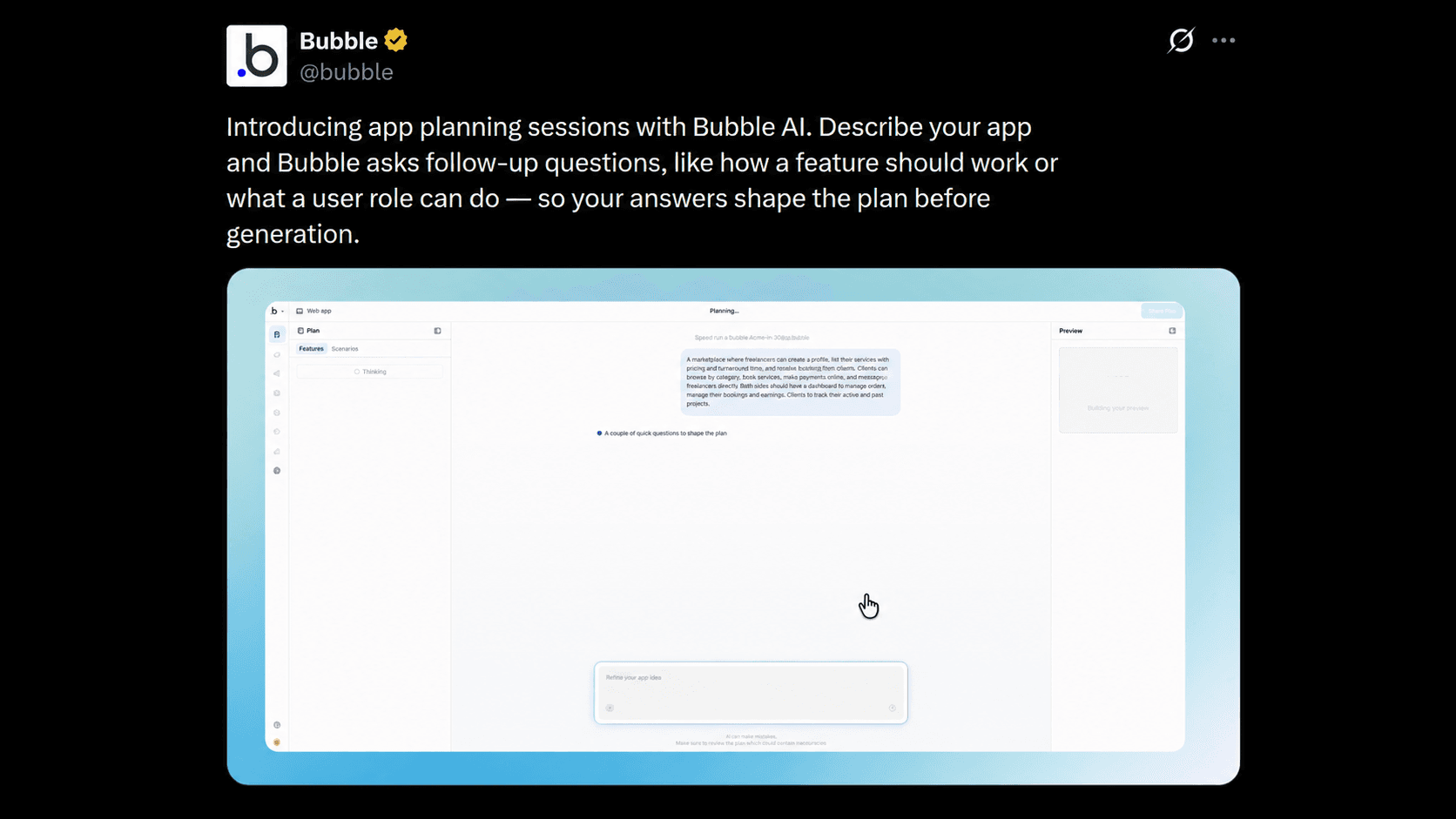
Bubble's new app planning sessions let AI ask clarifying questions about your features and user roles before generating anything -- turning app generation into a real conversation instead of a guessing game.
