
AI Agents for Business Automation: Benefits, Use Cases, and How They Work
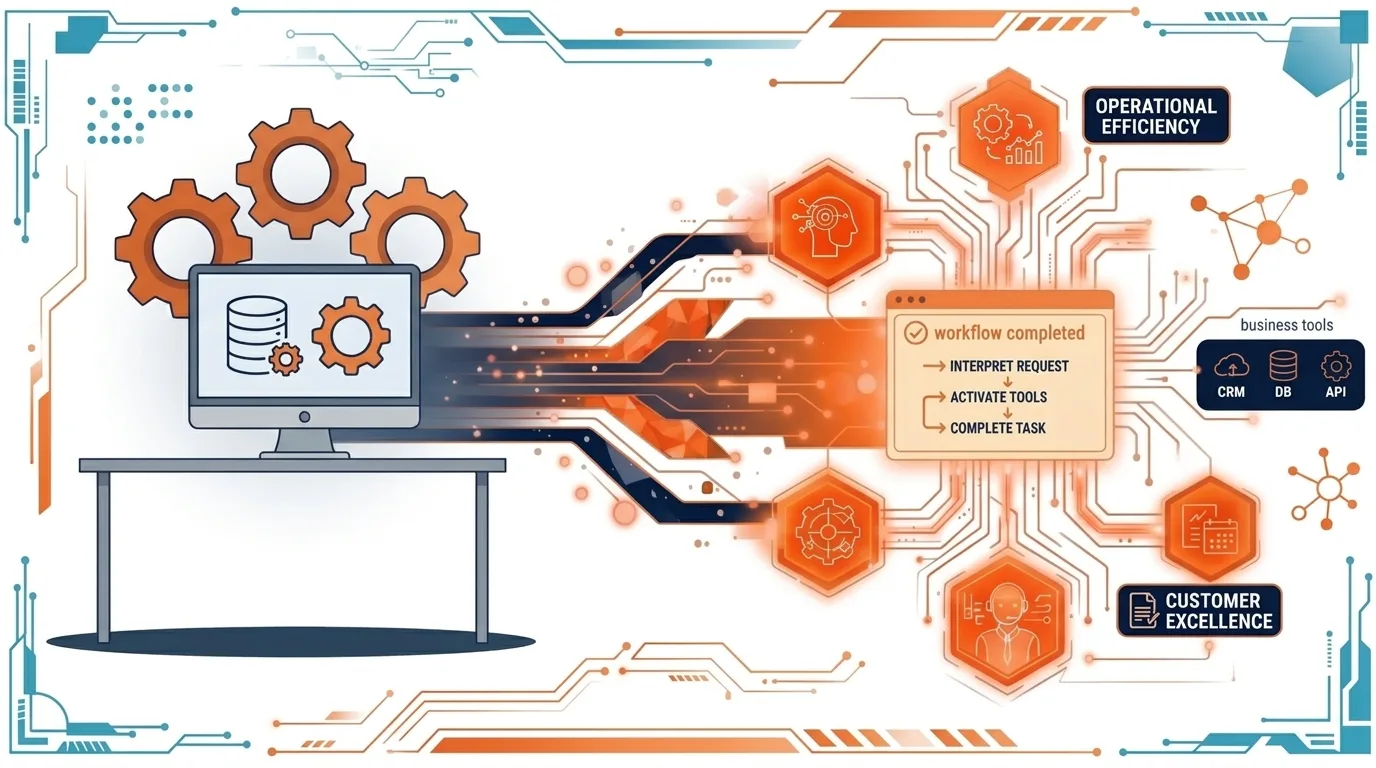
AI Agents for Business Automation: How to Turn Manual Workflows Into Intelligent Systems
Businesses are constantly looking for ways to reduce operational costs, respond to customers faster, and get more done with limited resources. Yet many companies still depend on manual processes, disconnected software, spreadsheets, and repetitive administrative tasks.
Artificial intelligence is creating new opportunities to address these challenges. While traditional automation follows predefined rules, AI agents can interpret information, work toward specific goals, use connected tools, and help complete multi-step tasks with appropriate human oversight.
For businesses, the opportunity is not simply to add an AI chatbot to a website. It is to build intelligent systems that solve real operational problems.
In this guide, we explore how AI agents work, where businesses can use them, what it takes to implement them successfully, and how to determine whether AI automation is worth the investment.
What Are AI Agents?
AI agents are software systems that use artificial intelligence to interpret information, decide on the next steps, and perform tasks using available tools and data.
Unlike a basic chatbot that primarily responds to questions, an AI agent can be designed to interact with other applications and move a process forward.
For example, a customer support chatbot might explain a company's refund policy. An AI-powered support agent could classify an incoming request, retrieve the relevant order details, draft a response, and route the issue to the appropriate team member.
The distinction is important: a conversational interface provides information, while an agent can help execute a workflow.
However, not every AI agent operates independently. Its capabilities depend on the model, connected tools, permissions, business rules, and safeguards established during development.
How AI Agents Can Improve Business Operations
The most useful AI automation opportunities often involve repetitive tasks that consume employees' time without requiring every decision to be made manually.
Here are five practical examples.
1. Automating Customer Support
Customer support teams often handle the same questions about orders, account access, billing, product features, and service availability.
An AI-powered support system can:
Answer common questions using approved company information.
Retrieve relevant information from connected systems.
Categorize incoming support tickets.
Draft responses based on customer history.
Escalate complex or sensitive cases to human employees.
For example, a SaaS company could connect an AI assistant to its help center and support ticketing system. The assistant could answer routine questions and prepare tickets with the relevant context before a support representative reviews them.
The business benefit is a more organized support process, less repetitive work, and more time for employees to focus on difficult customer issues.
2. Automating Lead Management and Sales
Sales teams frequently spend time researching prospects, organizing contact information, updating CRMs, and preparing follow-up messages.
An AI-assisted lead management system can help streamline this process.
A workflow might look like this:
A potential customer submits a website form.
The system validates the submitted information.
AI classifies the inquiry based on the customer's needs.
The lead is added to the CRM with relevant details.
A personalized follow-up draft is prepared.
A sales representative reviews the message and approves it for sending.
This approach reduces administrative work while helping sales teams respond more consistently.
Businesses can also use automation to notify sales representatives when a promising lead arrives or when a follow-up is overdue.
3. Turning Documents Into Structured Information
Many industries depend on documents such as invoices, contracts, applications, purchase orders, and compliance forms.
Manually reviewing these documents and transferring information into another system can be slow and error-prone.
An AI-powered document processing application can extract relevant fields, classify documents, identify missing information, and send the results into a database or business management platform.
Consider a company that receives hundreds of supplier invoices each month. Instead of manually entering every invoice into a spreadsheet, the system could extract supplier names, invoice numbers, dates, and totals.
The extracted information can then be checked against business rules before entering the accounting workflow.
Importantly, sensitive financial decisions and uncertain extractions should have appropriate validation and human review. AI should reduce manual effort without removing necessary controls.
4. Automating Internal Business Workflows
Not every automation project needs to face customers. Some of the most valuable opportunities exist inside a company's own operations.
Examples include:
Generating weekly business reports from approved data sources.
Summarizing project updates and identifying overdue tasks.
Routing requests to the correct department.
Monitoring inventory thresholds and notifying purchasing teams.
Preparing meeting summaries and assigning follow-up actions.
Imagine a growing company where managers collect updates from several departments every Friday. An internal application could gather approved updates, summarize progress, highlight blockers, and prepare a report for management review.
Instead of spending hours compiling information, the team could focus on understanding the results and making decisions.
5. Building AI-Powered SaaS Products
AI agents are not limited to internal automation. Entrepreneurs can also build commercial software products around specific AI capabilities.
For example, a SaaS platform could help recruitment agencies organize applications, enable marketing teams to repurpose content, or allow service businesses to process customer requests more efficiently.
The strongest opportunities usually combine AI with a clear business workflow, relevant data, and a user-friendly interface.
Rather than building a general-purpose AI assistant, a founder could focus on a particular industry and solve one expensive or time-consuming problem particularly well.
That focused approach creates a clearer product proposition and makes it easier to validate whether customers will pay for the solution.
AI Agents vs. Traditional Automation
AI agents and conventional automation serve different purposes. Choosing between them depends on how predictable the workflow is.
FactorTraditional automationAI-powered agentsBest suited forPredictable, rule-based tasksTasks involving interpretation or variable inputsDecision processPredefined rules and conditionsModel-assisted decisions within defined limitsTypical exampleSending an email after a form submissionClassifying a complex inquiry and preparing a responseReliabilityUsually predictable when inputs and rules are stableCan produce inconsistent or incorrect outputsOversightMonitoring and exception handlingMonitoring, validation, permissions, and human review
A business does not need AI for every process.
If a task involves moving information from one database field to another, traditional automation may be simpler, cheaper, and easier to maintain. If the task requires understanding unstructured text or interpreting different kinds of requests, AI may provide additional value.
In many applications, the best solution combines both approaches: conventional workflows handle deterministic operations, while AI handles the parts that require interpretation.
What Does It Take to Build an AI Automation System?
A successful AI application requires more than connecting a model to a prompt. It needs a reliable workflow, appropriate data access, a useful interface, and a plan for handling errors.
Step 1: Identify the Business Problem
Start by identifying a task that consumes significant time, creates delays, or produces avoidable errors.
Document how the process works today, who performs it, how frequently it occurs, and what makes it difficult.
For example, if employees spend several hours each week sorting incoming requests, measure the current workload before deciding whether AI automation is appropriate.
Step 2: Define the Workflow and Boundaries
Map the process from beginning to end.
Determine what information the system receives, which decisions it can assist with, which tools it needs, and when a human must intervene.
Define clear limits for sensitive actions such as issuing refunds, changing account permissions, or approving financial transactions.
Step 3: Choose the Right Technology
The technology stack depends on the complexity of the product, the existing systems, the budget, and expected usage.
A no-code platform such as Bubble can be useful for building application interfaces, databases, user authentication, and business workflows. API integrations can connect the application to AI models and other external services.
For more specialized requirements, technologies such as React, Next.js, Node.js, and Supabase may provide a suitable foundation.
There is no universally correct stack. The goal is to choose technology that supports the product's actual requirements without introducing unnecessary complexity.
Step 4: Connect the Necessary Data and Tools
An AI agent is only as useful as the information and actions available to it.
Depending on the use case, the application might connect to a CRM, database, document storage service, payment system, or customer support platform.
Access should be limited to the information and actions the agent needs. Authentication, permission checks, data validation, and secure handling of credentials are essential parts of the implementation.
Step 5: Test With Realistic Scenarios
Before launching, test the system with normal requests, incomplete information, unexpected inputs, and edge cases.
Measure whether the system produces correct outputs, follows business rules, handles failures appropriately, and escalates uncertain cases.
A successful demonstration does not guarantee reliable performance in production. Testing should reflect the conditions under which the application will actually operate.
Step 6: Launch, Measure, and Improve
Begin with a focused workflow rather than automating the entire business at once.
Track measurable outcomes such as:
Time saved per task.
Average customer response time.
Percentage of tasks completed successfully.
Error and escalation rates.
Cost per completed workflow.
Employee adoption and customer satisfaction.
Use these results to determine whether the solution should be improved, expanded, or redesigned.
Common Mistakes to Avoid When Implementing AI Agents
AI automation can create meaningful benefits, but poorly planned projects can introduce new costs and operational risks.
Automating a Broken Process
If a workflow is confusing or inefficient, adding AI may simply make the same problems happen faster.
Review and simplify the process before automating it.
Giving AI Too Much Access
An agent should not automatically receive unrestricted access to company systems. Use role-based permissions, limited tool access, and approval requirements for high-impact actions.
Ignoring AI Operating Costs
AI applications may incur model usage, infrastructure, storage, monitoring, and third-party service costs.
Estimate these expenses using realistic usage scenarios. A feature that works economically during a small test may become expensive when thousands of customers use it.
Building Too Much Before Validating Demand
Founders sometimes invest in multiple agents, complex integrations, and advanced features before confirming that the core problem is worth solving.
Start with the smallest useful version, test it with real users, and expand only when the evidence supports further investment.
Treating AI Output as Always Correct
AI can misinterpret instructions, produce incorrect information, or take an inappropriate action if the system is poorly designed.
Use validation rules, monitoring, clear fallback behavior, and human review wherever the consequences of an error justify it.
How to Measure the ROI of AI Automation
The business case for AI should be based on measurable outcomes, not simply the number of automated tasks.
Consider a hypothetical support team that processes 1,000 tickets per month. If automation saves an average of three minutes per ticket, the team saves approximately 50 working hours each month.
That does not automatically translate into equivalent cash savings. The actual financial benefit depends on whether the time saved reduces overtime, increases service capacity, improves response times, or allows employees to focus on higher-value work.
A practical ROI assessment should consider:
Time savings: How many employee hours are recovered?
Operational improvement: Are delays, errors, or backlogs reduced?
Customer impact: Do customers receive faster or more consistent service?
Total cost: What are the development, integration, infrastructure, and maintenance expenses?
Business value: Does the improvement justify the investment?
Measure the baseline before implementation and compare it with results after launch. This makes it easier to distinguish real business improvements from optimistic assumptions.
The Future of AI-Powered Business Applications
AI agents are becoming an important part of the broader shift toward software that can interpret information and assist with complex workflows. Their potential extends across customer service, sales, document processing, operations, and SaaS products.
However, successful adoption will depend on more than model capabilities. Businesses need reliable integrations, well-structured data, thoughtful product design, security controls, and a clear understanding of where automation creates value.
For startups, AI can provide an opportunity to develop focused products that solve specific problems. For established companies, it can help improve existing processes without requiring every system to be replaced.
The real opportunity is not to automate everything. It is to identify the right tasks, build a dependable solution, and demonstrate that it improves the way the business operates.
Build a Smarter Digital Product With Devcipator
Turning an AI idea into a working application requires the right combination of product strategy, design, development, and integration.
At Devcipator, we help startups and businesses turn ideas into practical digital products, including AI-powered applications, SaaS platforms, MVPs, and custom web applications. Our approach focuses on identifying the right problem, selecting suitable technology, and building solutions that can evolve with business needs.
Whether you want to automate an internal workflow, add AI capabilities to an existing platform, or validate a new SaaS idea, the first step is understanding what you want to achieve.
Related articles

Vibe Coding Is Fast. But Enterprise ERP Needs More Than Speed.
AI can generate code in minutes, but compliance-heavy businesses need more than speed. Here’s why accountability, risk management, and trust matter most when building enterprise ERP systems.
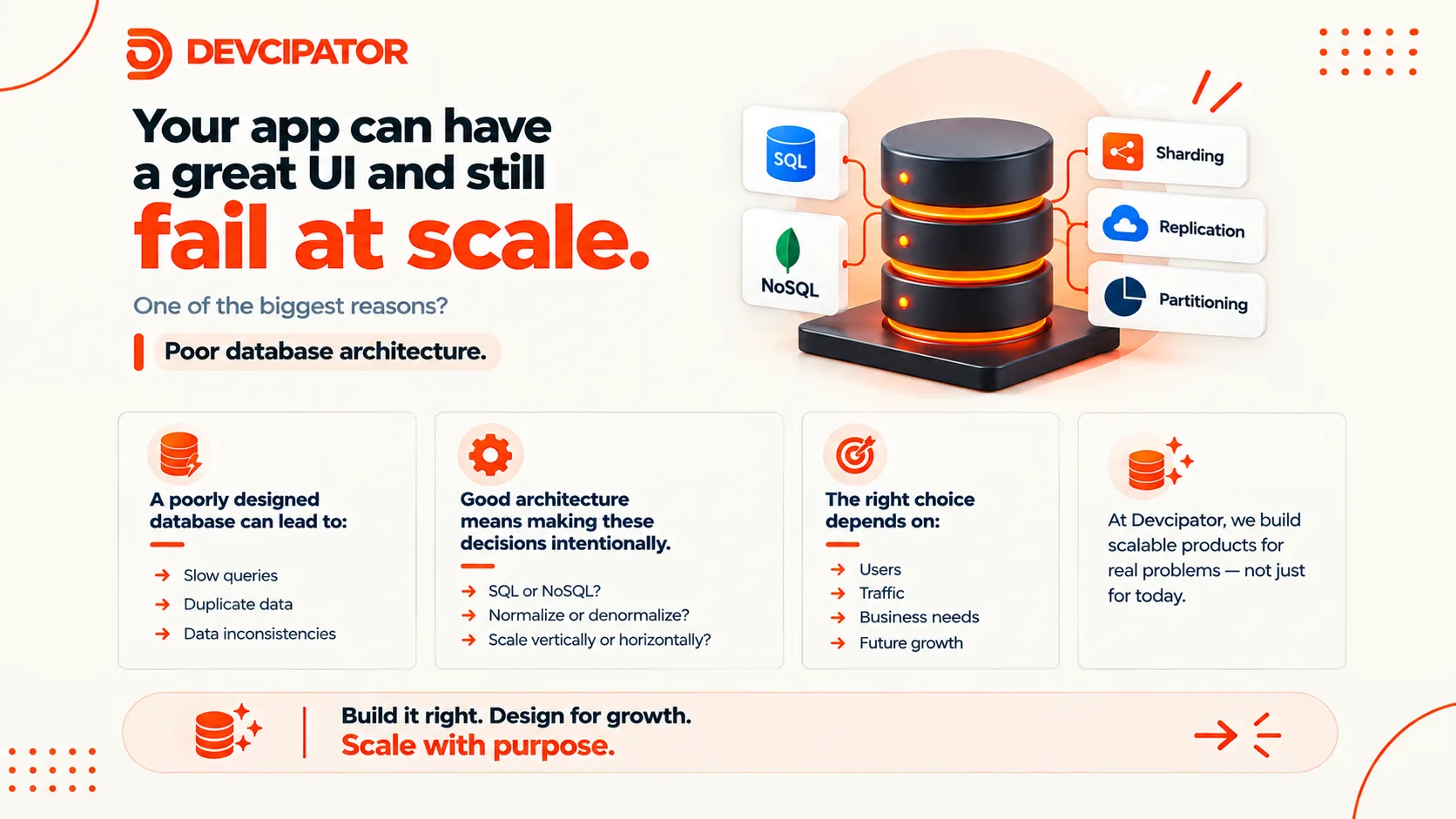
Your App Can Have a Great UI and Still Fail at Scale
A polished interface won't save a product built on a weak foundation. Learn why database architecture is one of the biggest factors in whether your app scales, and how to make the right design decisions before they become expensive rewrites.

Build a Complex Website with AI Using Claude Code, Next.js & Supabase
How I used AI prompts with Claude Code, Next.js, and Supabase to build, deploy, and launch a full-stack website, without writing every line of code by hand.