
Low-Code Development in 2026: Build Apps Faster and Smarter
Introduction
Building a digital product no longer has to mean starting from scratch and writing thousands of lines of code. Today, businesses can use low-code development to turn ideas into functional applications more efficiently, validate products with real users, and adapt to changing market needs.
For startups, entrepreneurs, and growing businesses, development speed matters. The sooner you can test an idea, the sooner you can understand what your customers actually need.
At Devcipator, we help businesses transform ideas into digital products through product strategy, UI/UX design, Bubble.io development, custom software engineering, and AI-powered solutions. Low-code development is one of the approaches that can help businesses move from concept to launch without unnecessary complexity.
But what exactly is low-code development, how does it work, and when should your business consider using it? Let's explore.
What Is Low-Code Development?
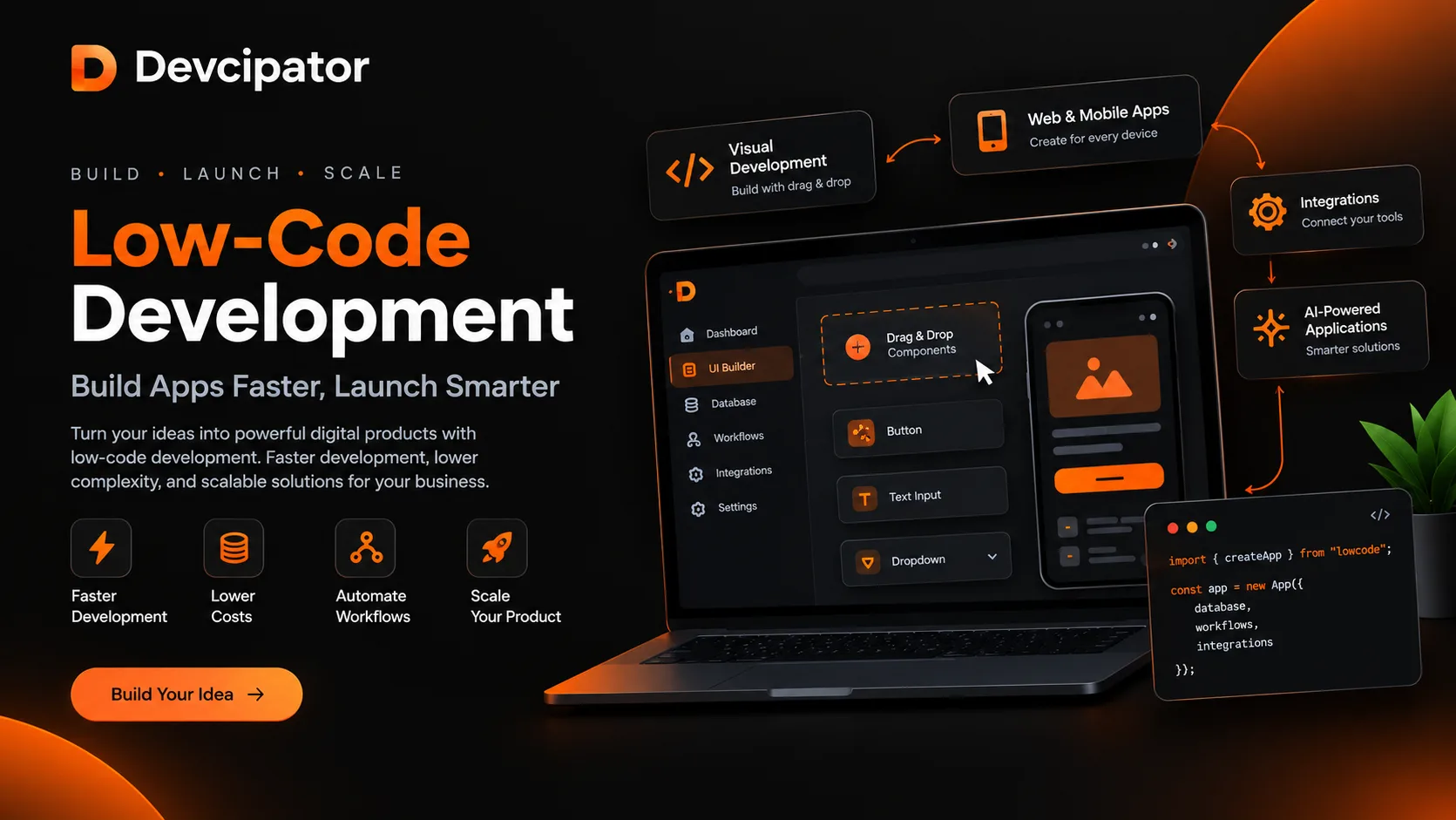
Low-code development is a software development approach that uses visual development tools, reusable components, prebuilt integrations, and automated workflows to reduce the amount of manual coding required to build an application.
Instead of creating every feature from the ground up, developers can assemble common functionality using visual interfaces and existing components. They can also write custom code when a project requires more flexibility.
Low-code does not mean eliminating professional development. It means using development resources more efficiently.
For example, a startup building a customer management platform may need user authentication, dashboards, databases, payment integrations, and automated notifications. A low-code platform can simplify the implementation of many of these features, allowing the development team to focus more on the product's unique functionality.
According to Google Cloud's guide to low-code development, modern low-code approaches can combine visual development, reusable components, and AI-assisted code generation to accelerate application delivery.
How Does Low-Code Development Work?
Low-code development simplifies several stages of the application development lifecycle.
1. Plan Your Application
Before development begins, identify the problem your application will solve, its target audience, and the essential features needed for the first release.
A clear plan helps prevent unnecessary features from increasing development time and complexity.
2. Design the User Interface
Developers and designers create the application's screens, navigation, forms, dashboards, and user journeys.
Tools such as Figma help teams visualize the product before development begins.
3. Build with Visual Components
Low-code platforms provide reusable components and visual development environments. Developers can use these resources to create interfaces, configure workflows, and connect application features.
4. Connect Databases and APIs
Most business applications require data storage and external integrations. Depending on the platform, developers can connect databases, payment services, authentication providers, and third-party APIs using built-in integrations or custom code.
5. Test and Launch
Before launching, the team should test functionality, security, performance, and responsiveness across relevant devices and browsers.
After deployment, the application can be monitored, improved, and expanded as business requirements evolve.
6 Key Benefits of Low-Code Development
Low-code development offers several advantages when the platform and project requirements are a good match.
1. Faster Time to Market
Building everything from scratch can consume significant development time. Reusable components, visual tools, and preconfigured workflows help teams implement common functionality more efficiently.
For startups, this can make it easier to test a business idea before investing heavily in a full-scale product.
2. More Efficient Development Costs
Low-code development can reduce repetitive implementation work and make better use of a development team's time.
However, the total cost still depends on application complexity, platform fees, integrations, maintenance, and future scaling requirements. Low-code is not automatically the cheapest option for every project.
3. Easier Prototyping and MVP Development
A minimum viable product (MVP) allows businesses to test their assumptions using a functional version of their product.
Low-code tools can help teams build an MVP, gather feedback, identify useful features, and prioritize future improvements.
Rather than spending months building every possible feature, startups can focus on delivering the core value of their product first.
4. Simplified Workflow Automation
Businesses often rely on repetitive tasks such as sending notifications, updating customer records, processing requests, and managing approvals.
Low-code platforms can simplify these workflows through visual logic and integrations.
For example, a service business might automatically assign a new customer inquiry, notify the relevant team member, and update its internal dashboard when a form is submitted.
5. Faster Iteration and Maintenance
Business requirements change as customer expectations evolve.
Visual development tools can make certain updates easier, such as modifying forms, adjusting workflows, and adding dashboard elements. Changes still need proper testing, particularly when they affect databases, permissions, or critical business processes.
6. Greater Collaboration
Low-code development can help designers, developers, product managers, and business stakeholders collaborate around a shared visual representation of an application.
This makes it easier to review requirements, demonstrate functionality, and identify improvements before they become expensive problems.
Low-Code vs. No-Code: What's the Difference?
Low-code and no-code development are related approaches, but they serve different needs.
FeatureLow-Code DevelopmentNo-Code DevelopmentCoding requirementsMinimal coding, with custom code when neededUsually no manual codingFlexibilityOften supports deeper customizationDepends on built-in platform capabilitiesTypical usersDevelopers, product teams, and technical foundersBusiness users and nontechnical foundersIntegrationsVisual connectors and custom integrationsPrimarily built-in integrations and supported connectorsBest suited forCustom applications with evolving requirementsSimpler workflows and applications within platform limits
The main difference is the level of technical customization available and required. As SAP explains in its low-code/no-code guide, low-code minimizes traditional programming, while no-code aims to eliminate it.
Neither approach is universally better. The right choice depends on your product, technical requirements, budget, and long-term plans.
Popular Low-Code Development Tools
Choosing the right platform is essential because different tools are designed for different types of applications.
Bubble.io
Bubble is a visual development platform for building interactive web applications, business tools, marketplaces, and SaaS products.
It supports visual interface design, database management, workflows, and integrations. For startups that want to launch a functional web application without building every component from scratch, Bubble can be a useful option.
Devcipator offers Bubble.io development services for businesses looking to build MVPs, SaaS applications, and custom workflows.
FlutterFlow
FlutterFlow is a visual development tool focused on creating mobile and web applications. It can be useful for teams that want a visual building experience while retaining options for code export and further development.
Its suitability depends on the application's architecture, integrations, and mobile deployment requirements.
Microsoft Power Apps
Microsoft Power Apps helps organizations build business applications and automate internal processes, particularly within supported Microsoft environments.
It is often worth considering for operational tools, employee workflows, and applications connected to Microsoft services.
Other Development Technologies
Some products require a combination of low-code tools and conventional development technologies.
For example, React, Next.js, Node.js, and database platforms may be more appropriate for certain performance requirements, complex architectures, or highly customized user experiences.
The best technology is the one that fits the product—not simply the one that promises the fastest initial build.
What Can You Build with Low-Code Development?
Low-code development can support a wide range of business applications.
SaaS platforms: Build subscription-based products with user accounts, dashboards, and recurring billing.
Customer relationship management systems: Organize customer information, sales pipelines, communication, and reporting.
Marketplaces: Create platforms that connect buyers and sellers, service providers and customers, or businesses and partners.
Internal business tools: Develop inventory systems, employee portals, project dashboards, and approval workflows.
Booking and scheduling applications: Manage appointments, service availability, bookings, and notifications.
AI-powered applications: Connect supported AI services to chat interfaces, document processing, content workflows, and business automation.
Startup MVPs: Turn a business concept into a testable product that can collect real user feedback.
Each application still needs appropriate planning, data design, security controls, and testing. A visual builder can accelerate development, but it cannot replace sound product and engineering decisions.
Is Low-Code Development Right for Your Business?
Low-code development is worth considering when you need to launch quickly, validate a business idea, automate repetitive processes, or build an application using capabilities supported by an established platform.
It can be particularly useful for:
Startups validating a new SaaS idea.
Founders building their first MVP.
Small and medium-sized businesses automating operations.
Teams that need internal dashboards or customer portals.
Businesses improving existing workflows through integrations.
However, conventional or hybrid development may be a better fit when a project requires highly specialized infrastructure, strict platform independence, unusual performance characteristics, or extensive control over its architecture.
Before selecting a platform, consider your expected user volume, security requirements, integration needs, recurring platform costs, data portability, and future migration options.
A well-chosen low-code solution should support your business goals today without creating unnecessary limitations tomorrow.
How Devcipator Helps Businesses Build Digital Products
At Devcipator, we help businesses move from early-stage ideas to functional digital products through a structured development process.
Our services include:
MVP Development: Build an initial product around your core business idea and validate it with real users.
SaaS Product Development: Create subscription-based applications with appropriate user management, workflows, and supporting infrastructure.
Bubble.io Development: Use visual development to build web applications, SaaS products, and custom workflows.
AI Application Development: Integrate AI capabilities into applications to support practical business use cases.
AI Agents and Automation: Reduce repetitive work through automated processes and connected systems.
Custom Software Development: Develop business platforms and applications around specific operational requirements.
UI/UX and Product Design: Design user experiences that make applications intuitive, useful, and ready for development.
Our process includes discovery, UI/UX design, development, testing, deployment, and handover. This helps ensure that the product is planned around real requirements rather than built around features that may never be needed.
Explore our services and discuss your idea at Devcipator.com.
The Future of Low-Code Development
Low-code development continues to evolve as visual development platforms, reusable software components, integrations, and AI-assisted tools become more capable.
AI can help developers generate code, explore implementation options, and automate repetitive tasks. Low-code platforms can complement these capabilities by providing structured ways to build interfaces, connect data, and manage workflows.
However, AI-generated code and visual configurations still require review, testing, and security checks. Successful products depend on more than development speed: they need reliable architecture, useful features, a strong user experience, and ongoing maintenance.
For businesses, the opportunity is to use these technologies strategically—reducing unnecessary work while keeping control over product quality and long-term direction.
Conclusion
Low-code development gives startups and established businesses another way to build applications efficiently. By combining visual tools, reusable components, integrations, and selective custom coding, teams can often move from an idea to a functional product with less repetitive implementation work.
The key is choosing the right approach for your project's complexity, budget, security requirements, and growth plans.
Whether you are planning a SaaS platform, developing an MVP, automating business operations, or exploring an AI-powered application, Devcipator can help you evaluate the requirements and choose a suitable development strategy.
Ready to turn your idea into a digital product? Visit Devcipator.com to explore our development services and book a free consultation.
Frequently Asked Questions
1. What is low-code development in simple terms?
Low-code development is a way to build applications using visual tools, reusable components, and automated workflows, with minimal manual coding.
2. Can you build a SaaS product with low-code?
Yes. Suitable platforms can support SaaS features such as user accounts, dashboards, databases, workflows, and subscription integrations. The specific platform should be selected according to the product's complexity and requirements.
3. Is low-code development suitable for startups?
Yes. It can help startups create MVPs, test assumptions, and gather customer feedback before investing in a more extensive product.
4. Is low-code better than traditional coding?
Neither is always better. Low-code can accelerate development when its platform capabilities match the requirements. Traditional coding can provide more direct architectural control for specialized or complex applications.
5. Does low-code mean an application requires no maintenance?
No. Applications still need security updates, testing, monitoring, bug fixes, and improvements as user needs and business requirements change.
6. How can Devcipator help with low-code development?
Devcipator provides digital product development services, including Bubble.io development, MVP development, SaaS development, AI applications, automation, and custom software engineering.
Related articles
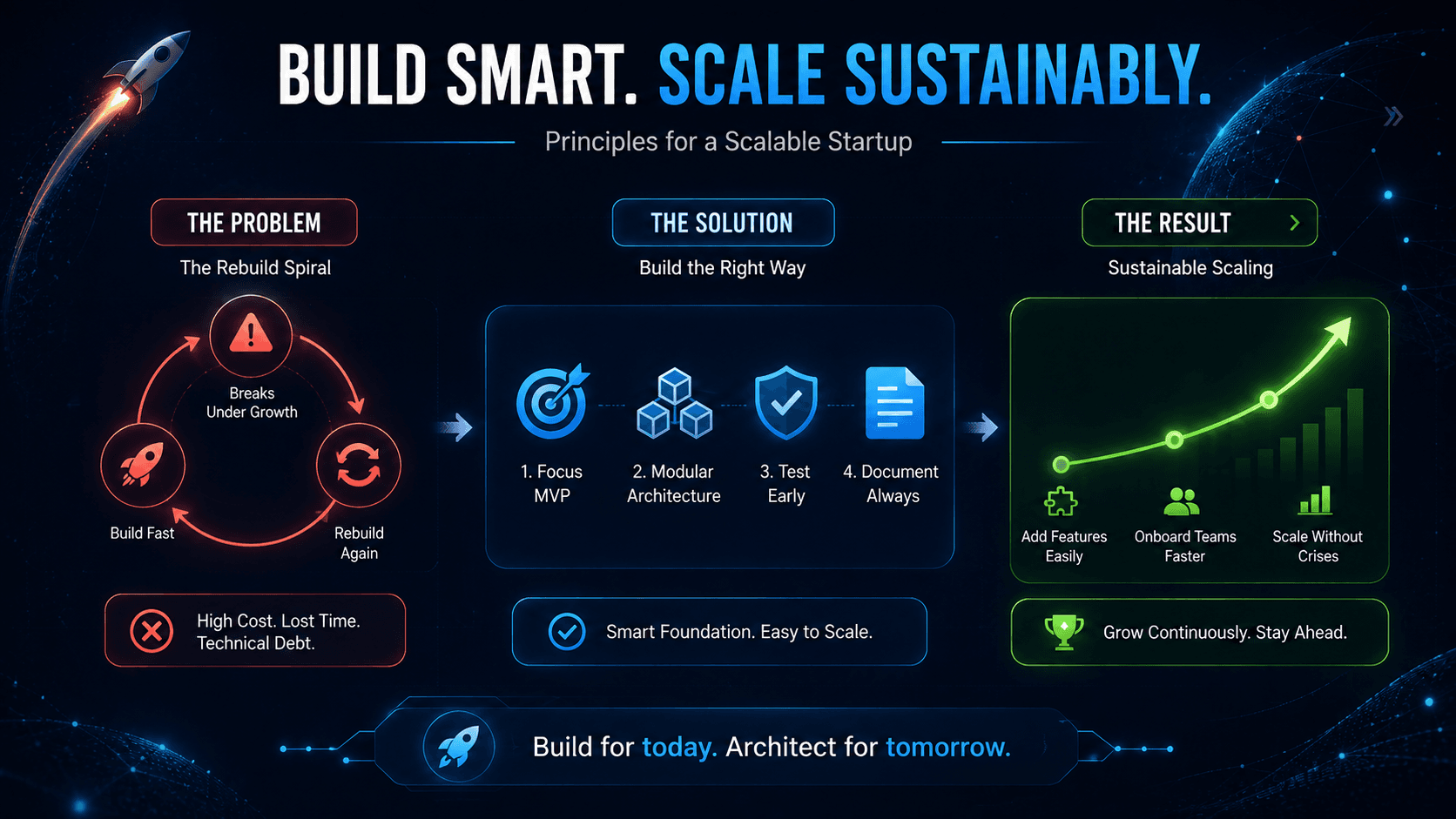
How to Build a Startup That Doesn't Need to Be Rebuilt Later
MVP, no-code, and scalability aren't three separate decisions - they're one strategy. Here's how to validate fast, build on the right foundation, and grow without a costly rebuild down the road.

Part 6 | Bubble.io Login, Signup and Forgot Password Flow | Full Guide in Hindi/Urdu
User authentication is the foundation of every production app. In Part 6 of our Bubble.io Training Series explained 100% in Hindi/Urdu, we show you how to build a complete Login, Signup, and Forgot Password flow inside Bubble.io without writing any code. We cover form design, authentication workflows, password recovery, and security best practices. Perfect for beginners and no-code developers adding auth to their Bubble app. Watch Part 6 here: https://youtu.be/i6FagBzUdK4