
Part 6 | Bubble.io Login, Signup and Forgot Password Flow | Full Guide in Hindi/Urdu
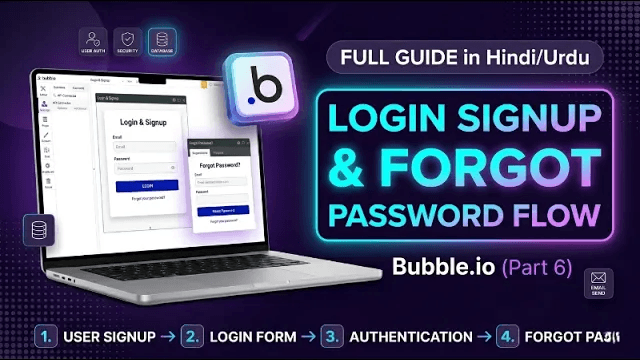
User authentication is the foundation of every production app. In Part 6 of our Bubble.io Training Series explained 100% in Hindi/Urdu, we show you how to build a complete Login, Signup, and Forgot Password flow inside Bubble.io without writing any code.
Whether you are building a SaaS product, a marketplace, or any Bubble app that requires user accounts, this tutorial gives you everything you need to implement a professional, secure authentication system from scratch.
Watch Part 6 here: https://youtu.be/i6FagBzUdK4
Figma design file: https://www.figma.com/design/2FIfcm2eREphc7jmuRmw2W/Training?node-id=0-1&p=f&t=RoPTCfAybZUbPHBR-0
Why User Authentication Matters in Bubble.io Apps
Authentication is not just a technical requirement. It is the gateway through which every user enters your app. A poorly designed login or signup flow creates friction that causes users to drop off before they even experience your product. A well-designed one builds trust and gets users into your app quickly and confidently.
Bubble.io has a powerful built-in User Authentication system that handles the heavy lifting for you. This tutorial shows you how to use it correctly and build a complete auth flow that looks and feels professional.
What You Will Learn in Part 6
Designing user-friendly Login and Signup forms in Bubble.io
Setting up workflows for login, signup, and logout
Building a fully working Forgot Password system
Understanding Bubble's built-in User Authentication
Best practices for creating a secure no-code app
Designing the Login and Signup Forms
The first step is building the visual forms that users will interact with. Using the Figma design file linked above as a reference, we design clean, user-friendly Login and Signup forms inside the Bubble.io editor.
For the Signup form, we include fields for the user's name, email address, and password. For the Login form, we include email and password fields along with a link to the Forgot Password page. Both forms are designed with clear labels, proper spacing, and error state handling so users always know what to do next.
Setting Up Authentication Workflows
Once the forms are designed, we set up the workflows that power the authentication actions.
The Signup workflow uses Bubble's built-in Sign the user up action, which creates a new user record in the database with the submitted email and password. After signup, the workflow redirects the user to the appropriate page such as a dashboard or onboarding screen.
The Login workflow uses Bubble's Log the user in action, which authenticates the user against the existing records in your database. If the credentials match, the user is logged in and redirected. If they do not match, an error message is displayed.
The Logout workflow uses Bubble's Log the user out action, which ends the user session and redirects them to the login or landing page.
Building the Forgot Password System
Password recovery is a feature that every production app needs. In this part of the tutorial, we build a complete Forgot Password flow that allows users to request a password reset email and securely update their password.
The flow works as follows. The user clicks the Forgot Password link on the Login page. They are taken to a Forgot Password page where they enter their email address. A workflow triggers Bubble's Send password reset email action, which sends a secure reset link to the user's inbox. The user clicks the link in the email, which takes them to a reset page where they enter and confirm their new password.
This entire flow is handled by Bubble's built-in authentication system without any external plugins or custom code.
Understanding Bubble's User Authentication System
Bubble has a dedicated User data type that stores all user account information including email, password hash, and any custom fields you add. Every Bubble app comes with this data type built in.
Bubble also handles session management automatically, meaning it tracks which user is currently logged in and makes this information available throughout your app using the Current User expression. You can use this to personalize content, restrict access to certain pages, and display user-specific data across your entire application.
Best Practices for a Secure No-Code App
Always use Bubble's built-in authentication actions rather than trying to build custom password logic from scratch. Bubble's system handles password hashing and secure storage automatically.
Use privacy rules on your data types to restrict what data users can see and modify. This prevents users from accessing other users' data through the browser.
Add input validation to your forms to ensure users submit properly formatted email addresses and passwords that meet your minimum security requirements.
Redirect unauthenticated users away from protected pages using page conditions that check whether the current user is logged in.
Who Is This Tutorial For
This tutorial is perfect for Bubble.io beginners and no-code developers who want to add professional authentication features to their Bubble.io apps. It is explained 100% in Hindi/Urdu making it ideal for learners in Pakistan, India, and other Urdu and Hindi speaking regions.
Figma design file: https://www.figma.com/design/2FIfcm2eREphc7jmuRmw2W/Training?node-id=0-1&p=f&t=RoPTCfAybZUbPHBR-0
Related articles

Low-Code Development in 2026: Build Apps Faster and Smarter
Discover how low-code development helps startups and businesses build applications faster, reduce development complexity, automate workflows, and launch scalable digital products. Learn about popular low-code platforms, key benefits, and how Devcipator can help turn your idea into reality.
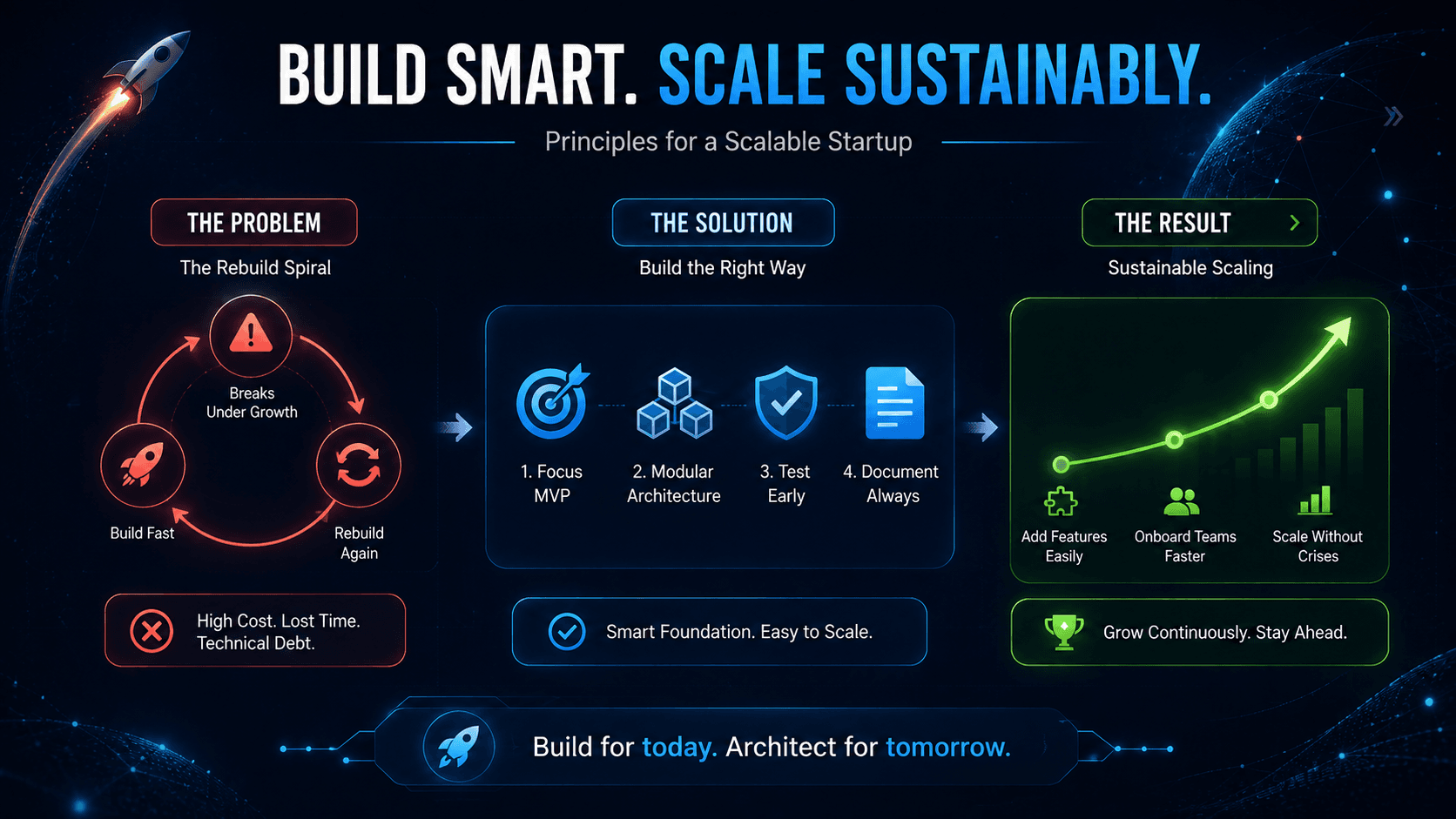
How to Build a Startup That Doesn't Need to Be Rebuilt Later
MVP, no-code, and scalability aren't three separate decisions - they're one strategy. Here's how to validate fast, build on the right foundation, and grow without a costly rebuild down the road.