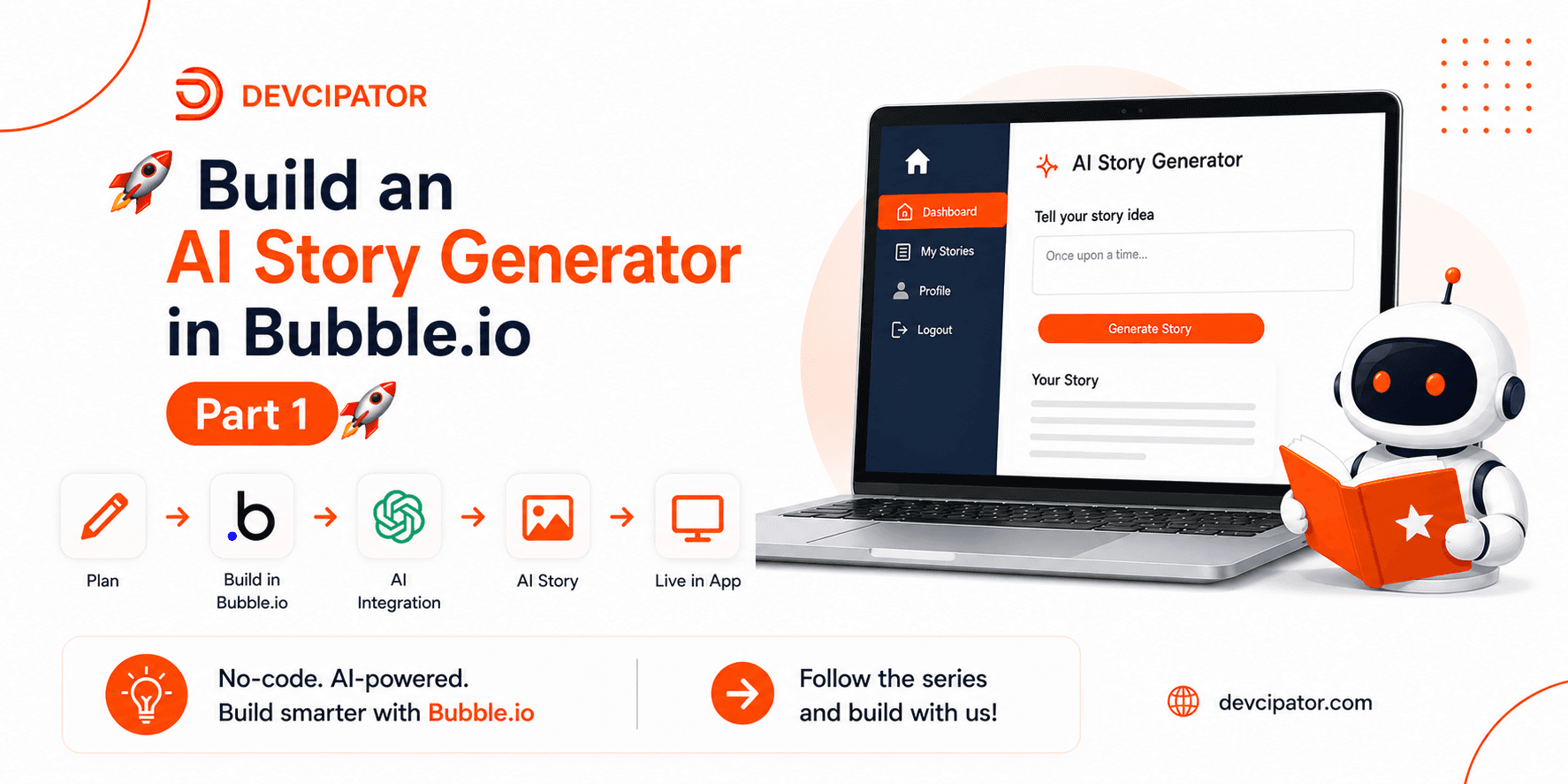
In this training series, we're building a Story Generation Application from scratch using Bubble.io -- no code required.
Figma design file: https://www.figma.com/design/9OlBblxF5uSruAta2k0EwP/Story-Generation-Training-App?node-id=1-4&t=YjKUm6HI8MGVRgvR-0
This is Part 1, where we walk through the complete Figma flow, application structure, and user authentication system in detail.
Complete Figma app flow for the Story Generation app Application planning and screen structure Signup (user registration) setup Login workflow with best practices Forgot password implementation How to plan scalable and clean Bubble apps Understanding the Figma to Bubble workflow
By the end of Part 1, you'll have a fully planned app structure in Figma, translated into a working, well-organized Bubble project -- with signup, login, and password recovery already functioning.
Every strong no-code app starts with clear planning. Mapping the full flow in Figma before building in Bubble means fewer surprises down the line, and a much smoother path from design to a real, working application. Pairing that with a solid authentication system early on sets up everything else in the series -- from AI story generation to the user dashboard -- on stable ground.
Story generation logic Database design and workflows User dashboard and history Responsive UI design App optimization and deployment
Need Help or Guidance?
watch here:https://youtu.be/cFhHLRRHSuA
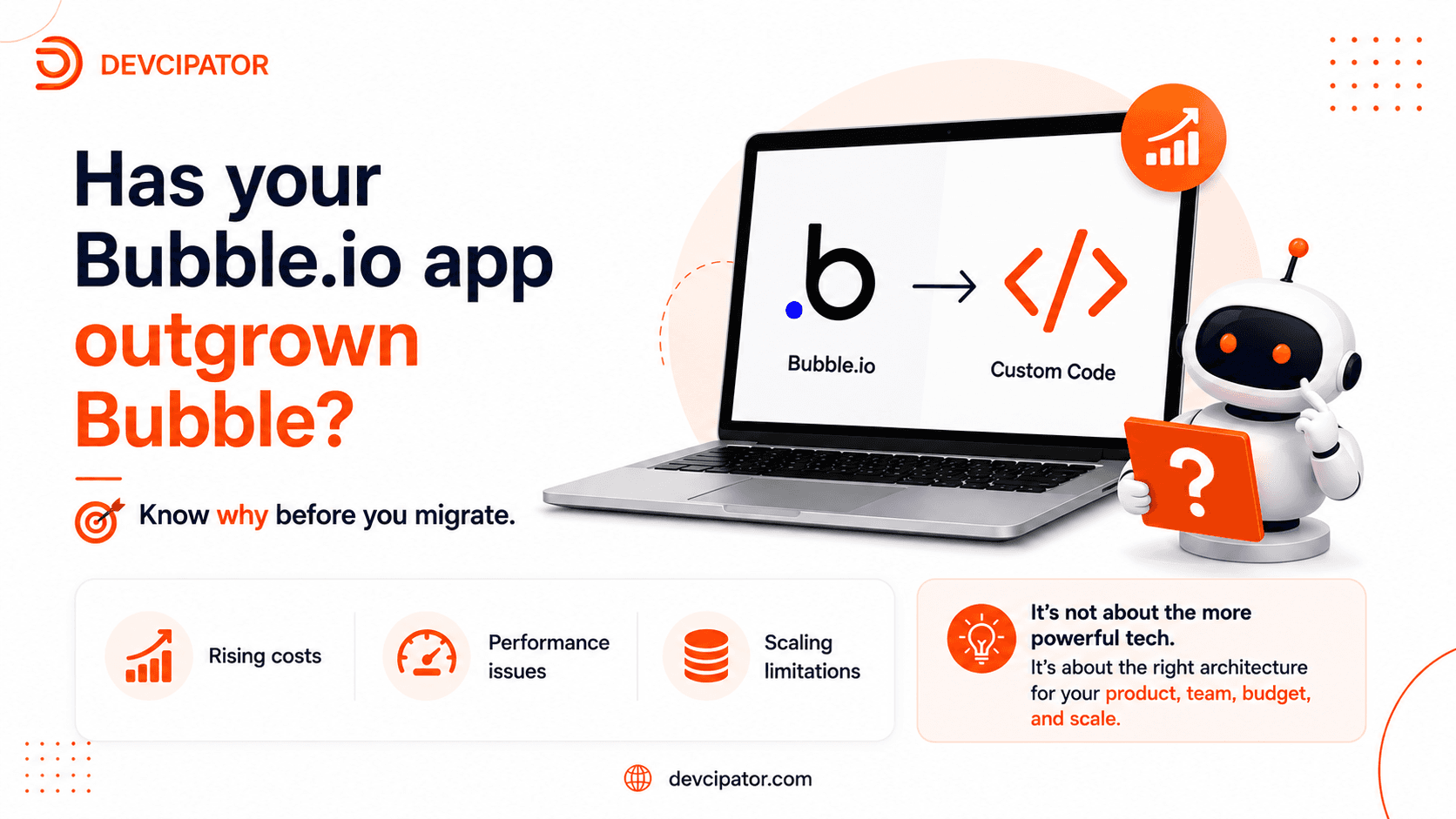
Is your Bubble.io app becoming expensive, slow, or difficult to scale? Before moving to custom code, understand the real reasons behind the problem and whether a complete technology migration is actually the right solution.
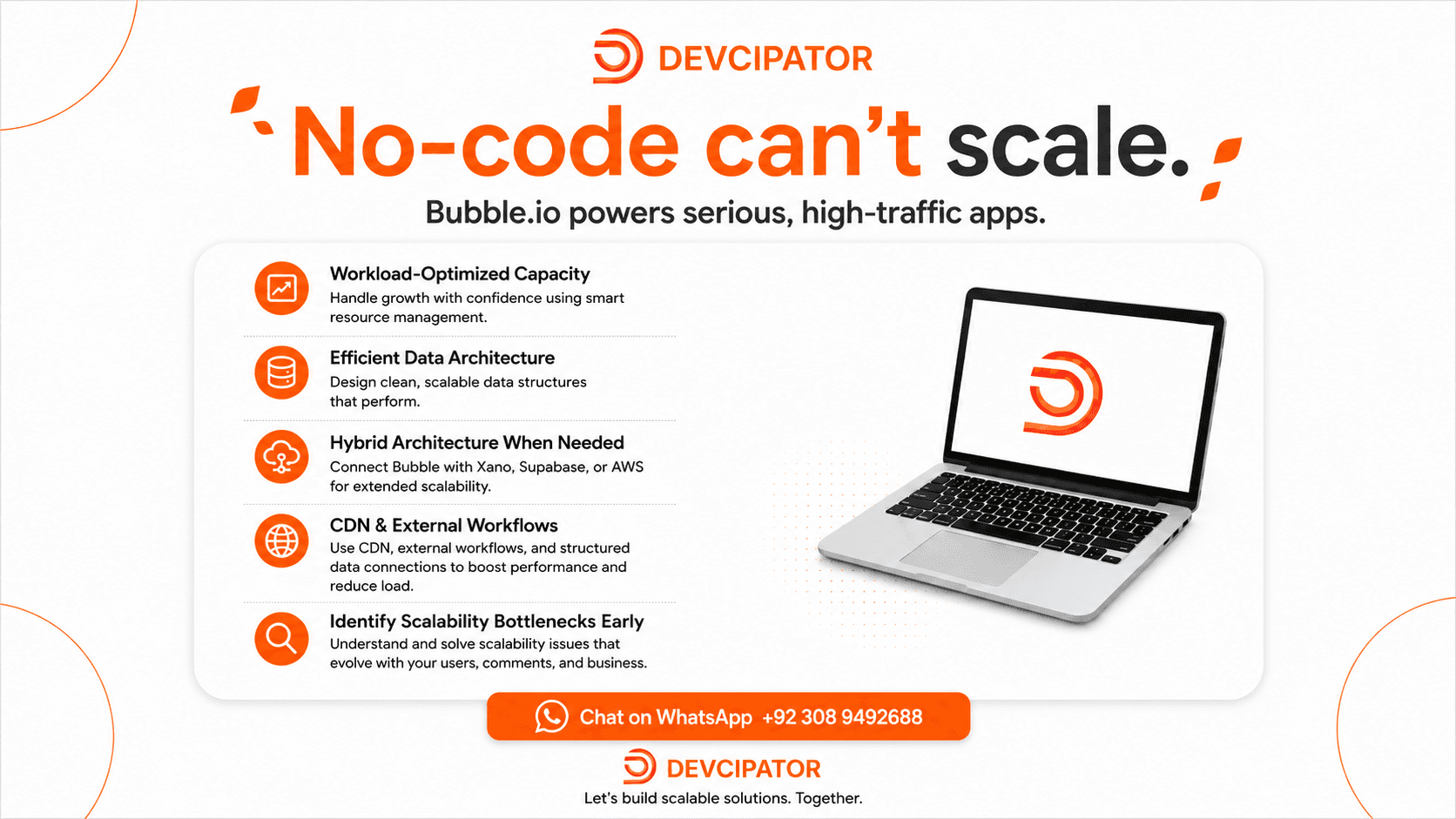
There's a common assumption that no-code platforms fall apart under real traffic and growth. The truth is scalability depends on architecture, not the platform — and Bubble.io can power serious, high-traffic applications when built right.
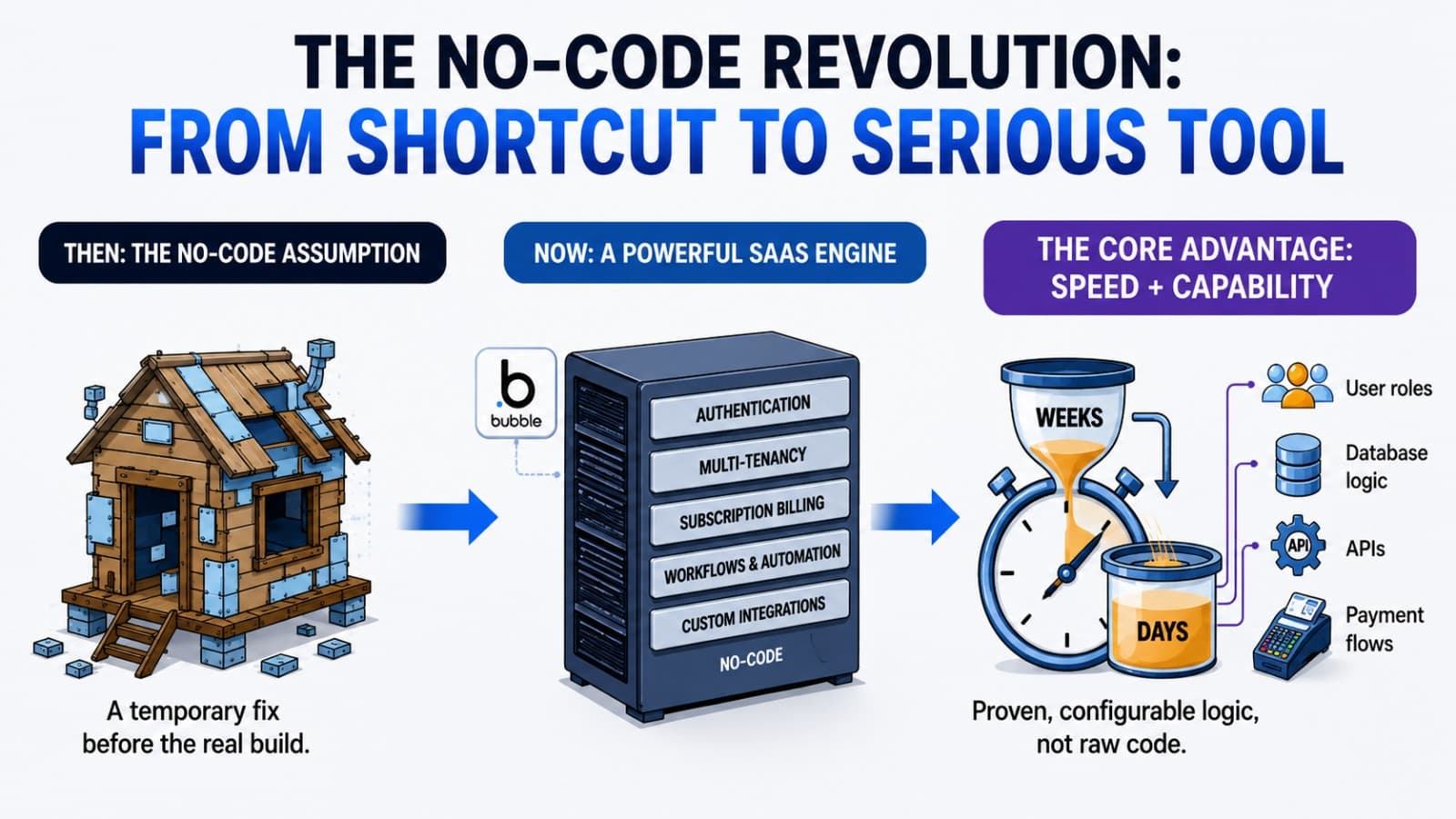
No-code used to mean "good enough for a prototype." Today, platforms like Bubble.io power production-grade SaaS products used by real paying customers. Here's what changed — and why it matters for founders.
