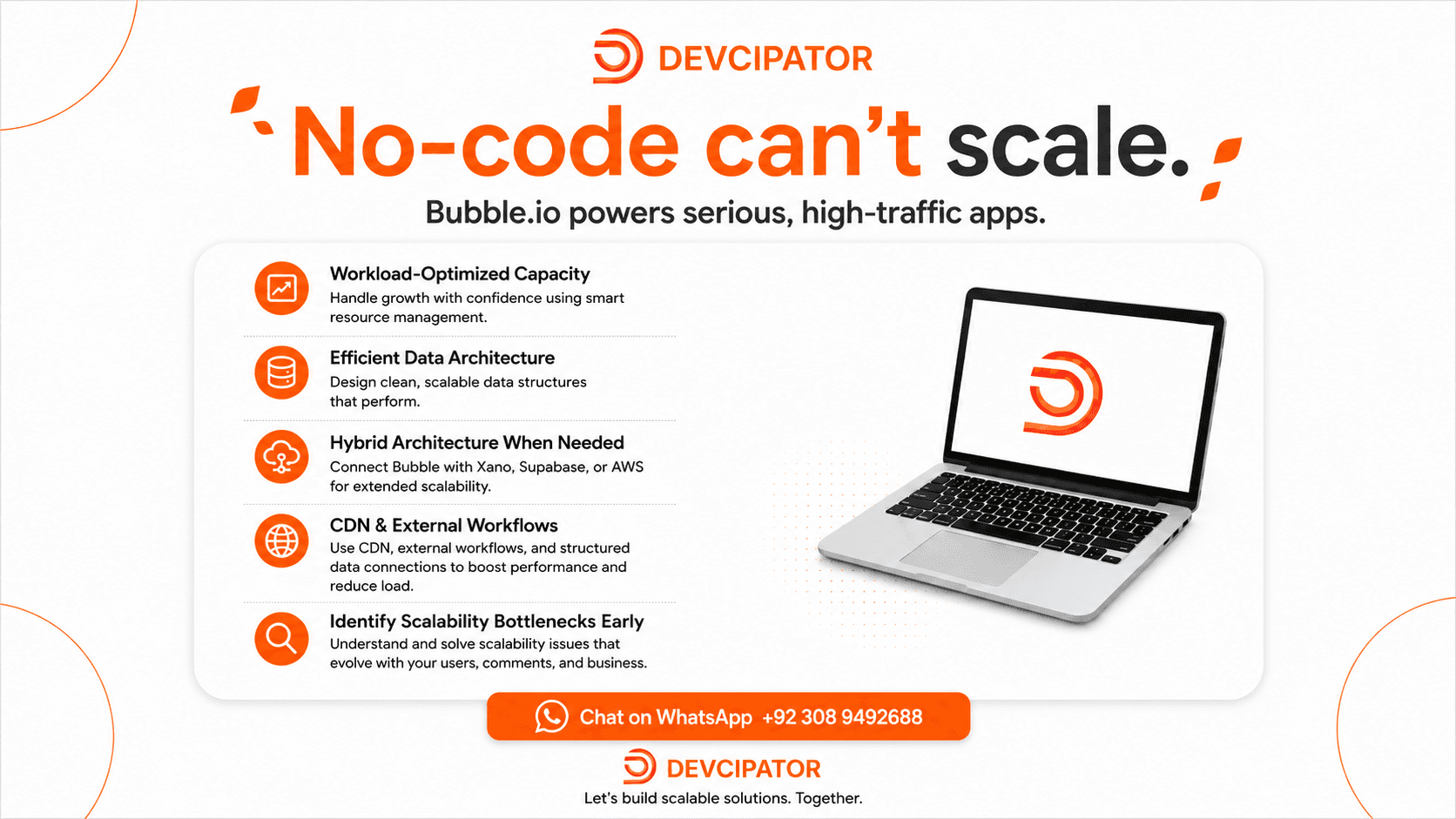
"No-code apps can't scale." That's one of the biggest myths in modern software development.
There's a common assumption that no-code platforms will fall apart when traffic increases, databases grow, or thousands of users start using an application. The reality is different.
Bubble.io can power serious, high-traffic applications -but scalability depends heavily on how the application is architected. Scalability isn't just about the platform you choose. It's about the decisions you make while building it.
⚡ Workload-Optimized Capacity
Design capacity around actual workload patterns and prepare the application to handle traffic and usage growth.
🗄️ Efficient Data Architecture
Keep database queries, searches, privacy rules, and data structures optimized as your dataset grows.
🔌 Hybrid Architecture When Needed
Connect Bubble with external services such as Xano, Supabase, or AWS when specific backend or infrastructure requirements call for them.
🌐 CDN & Security
Use appropriate caching, content delivery, and security practices to improve performance and protect the application as it grows.
Where Scalability Problems Really Come From
The real scalability problems usually come from poor architecture, not simply from using Bubble:
Bloated workflows
Inefficient database queries
Poorly structured data
Excessive plugin dependencies
Unnecessary API calls
These decisions can create bottlenecks in almost any application.
At Devcipator, we combine the speed of no-code development with the architectural discipline normally associated with traditional software engineering.
The goal isn't simply to launch your MVP quickly. It's to build a foundation that can evolve with your users, data, and business.
Don't wait until your application is struggling with growth to rethink its architecture. Build with scalability in mind from day one.
A few notes:
I dropped the redirect-wrapped YouTube tracking URL for the Calendly link and used the clean one instead - worth double-checking it points where you want.
I removed the hashtag block from the end since it's a blog post field, not a social caption - let me know if you want an SEO tags/keywords section instead, many CMSs have one.
The bold "loud" Unicode text doesn't render in most blog editors/screen readers, so I converted emphasis to proper Markdown bold/headers, which your toolbar supports natively.
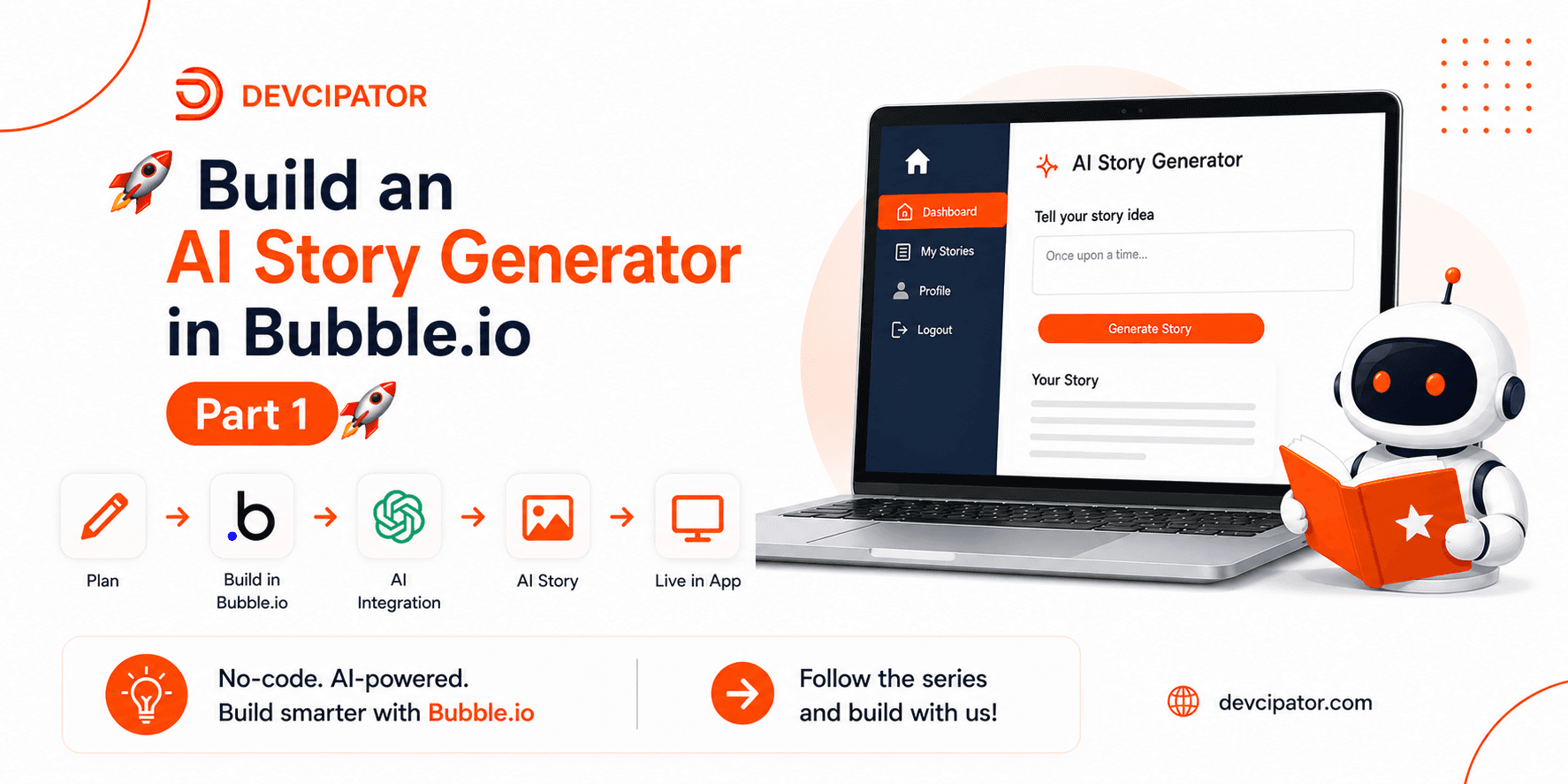
Part 1 of our Story Generation App training series -- a full walkthrough of the Figma app flow, application structure, and complete user authentication system built in Bubble.io.
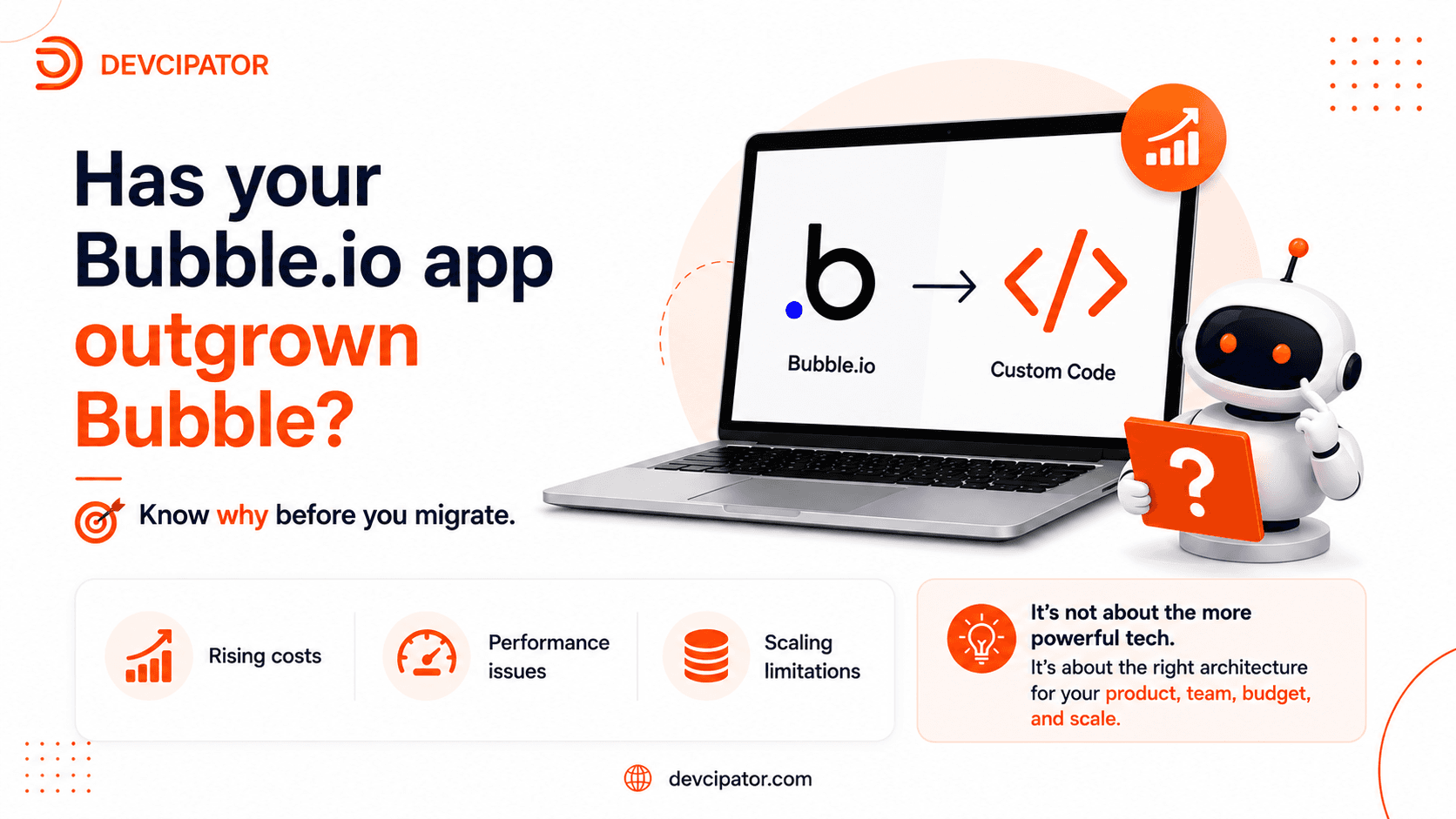
Is your Bubble.io app becoming expensive, slow, or difficult to scale? Before moving to custom code, understand the real reasons behind the problem and whether a complete technology migration is actually the right solution.
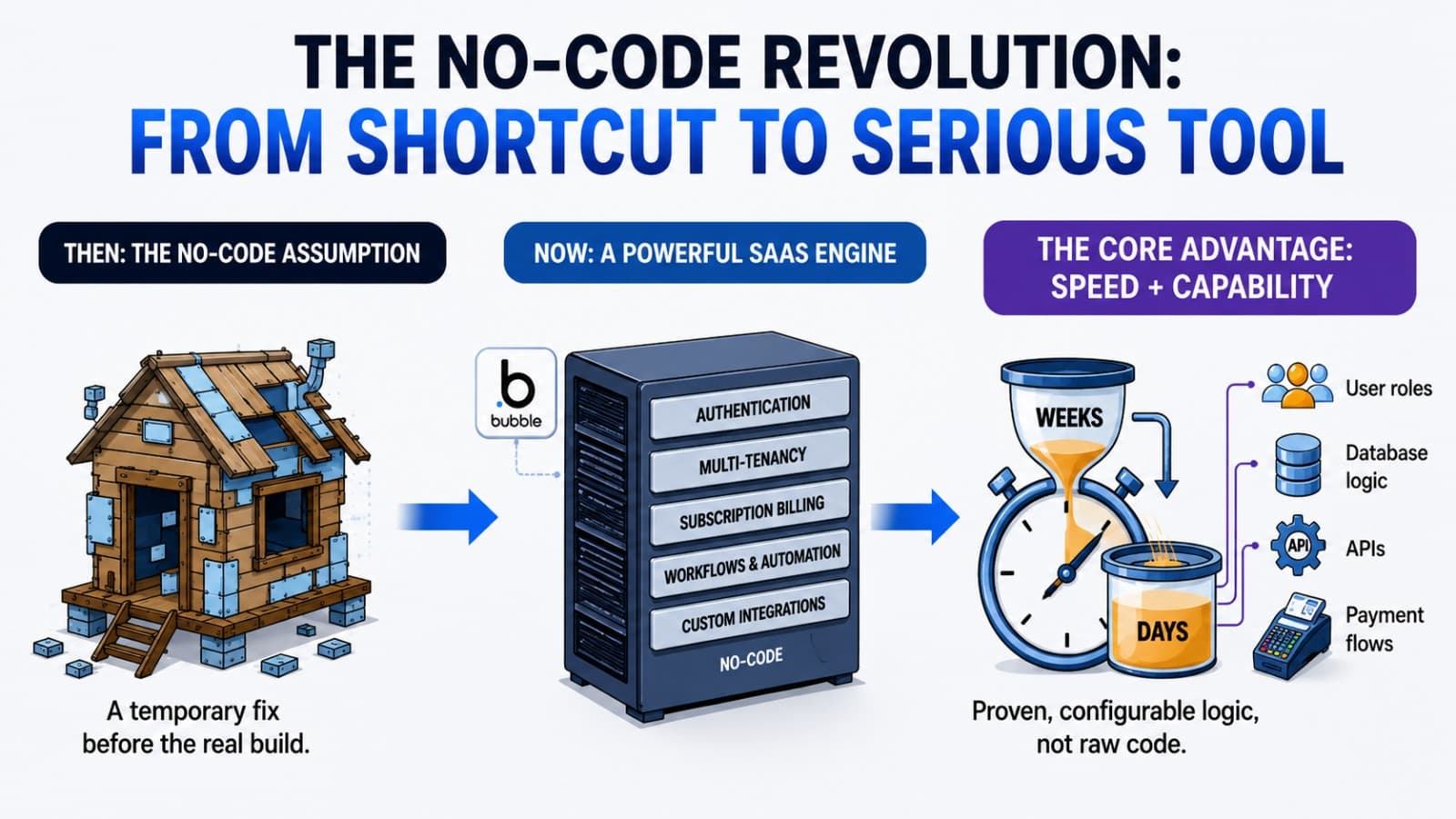
No-code used to mean "good enough for a prototype." Today, platforms like Bubble.io power production-grade SaaS products used by real paying customers. Here's what changed — and why it matters for founders.
