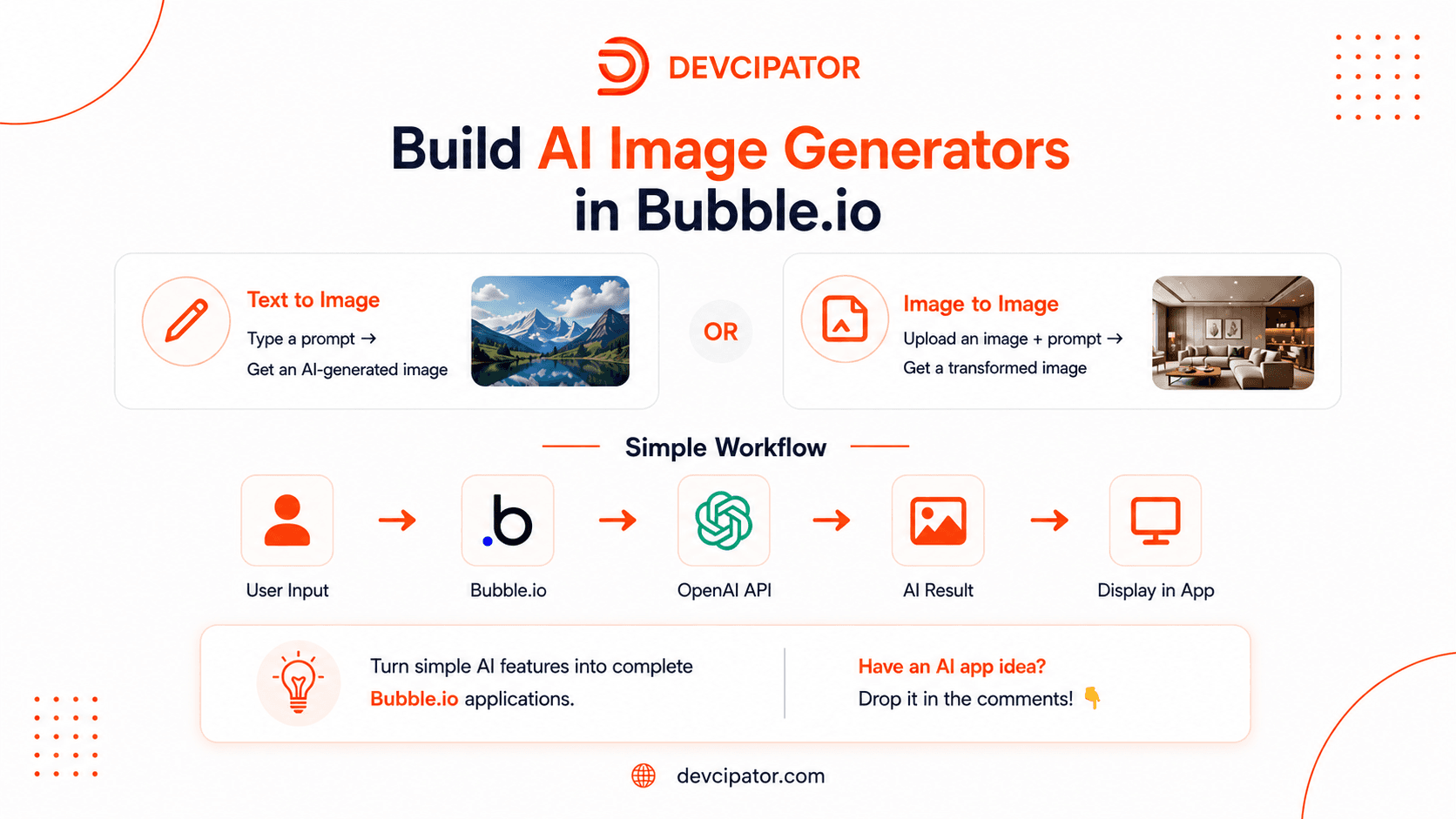
In this tutorial, Devcipator walks through how to integrate OpenAI's image generation capabilities into Bubble.io, enabling you to build AI-powered image features without writing traditional backend code.
We cover two complete workflows:
Text-to-Image -- generate an image from a written prompt
Image-to-Image -- combine a prompt with an uploaded reference image to transform, redesign, or reimagine an existing photo
By the end of this tutorial, you'll know how to:
Connect OpenAI with Bubble.io
Configure the OpenAI API request
Send image-generation prompts from Bubble.io
Generate images from text prompts alone
Upload and use a reference image in a workflow
Send a prompt and image together for image-to-image generation
Display generated images inside your Bubble.io app
Structure the complete workflow end-to-end
Apply AI image generation inside a real, working application
These workflows form the foundation for a wide range of products, including:
AI image generators
AI photo-editing applications
Product image generators
Marketing creative tools
Social media content generators
Virtual staging applications
Fashion and interior design tools
AI-powered SaaS products
Image transformation platforms
E-commerce visualization tools
Watch here : https://youtu.be/KeTqCx3zt60
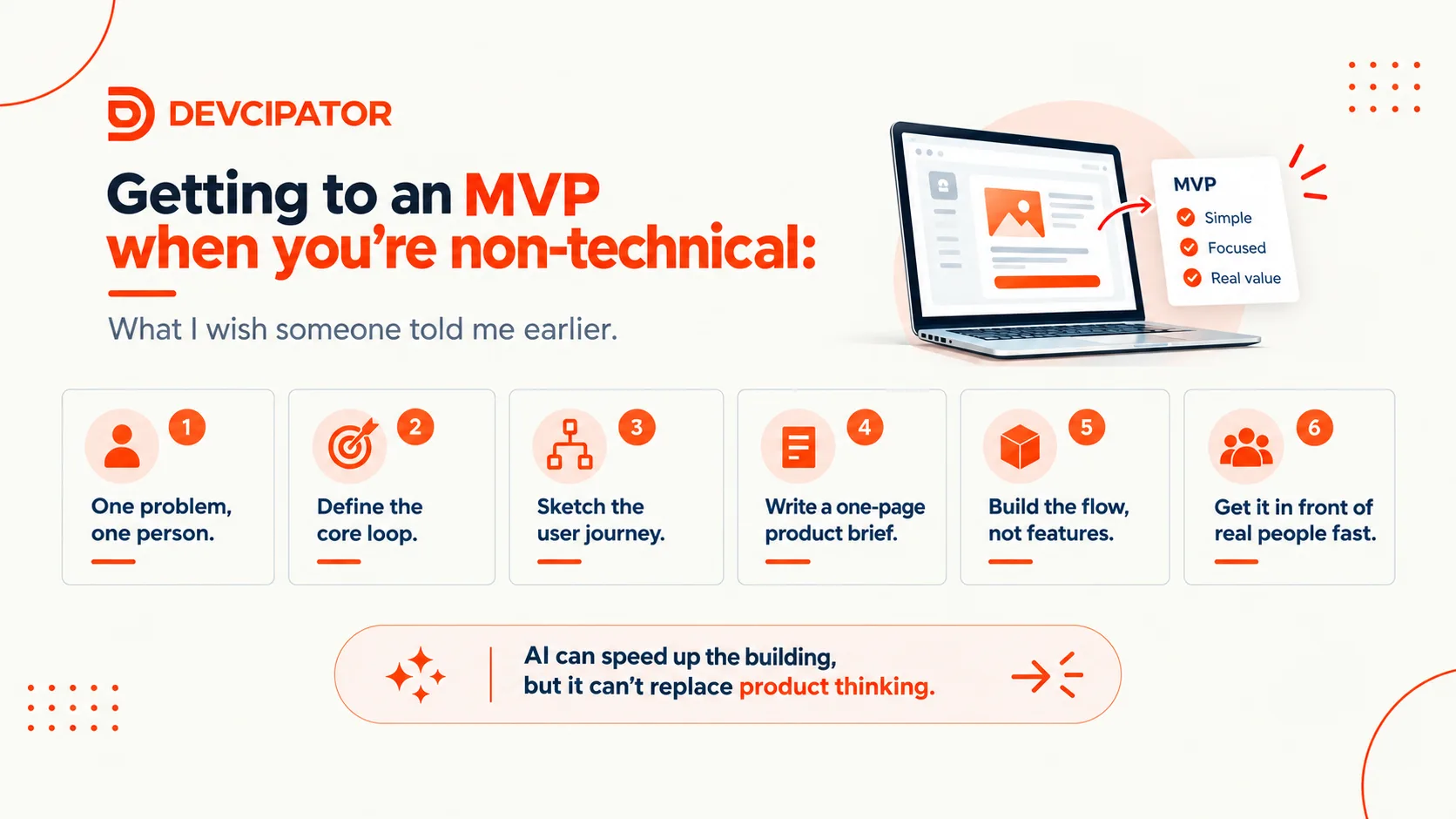
AI tools mean anyone can build, but the hard part was never the building. It's knowing what to build. Here's a simple, practical process for going from "I've spoken to users" to a coherent MVP, without ending up with AI slop.
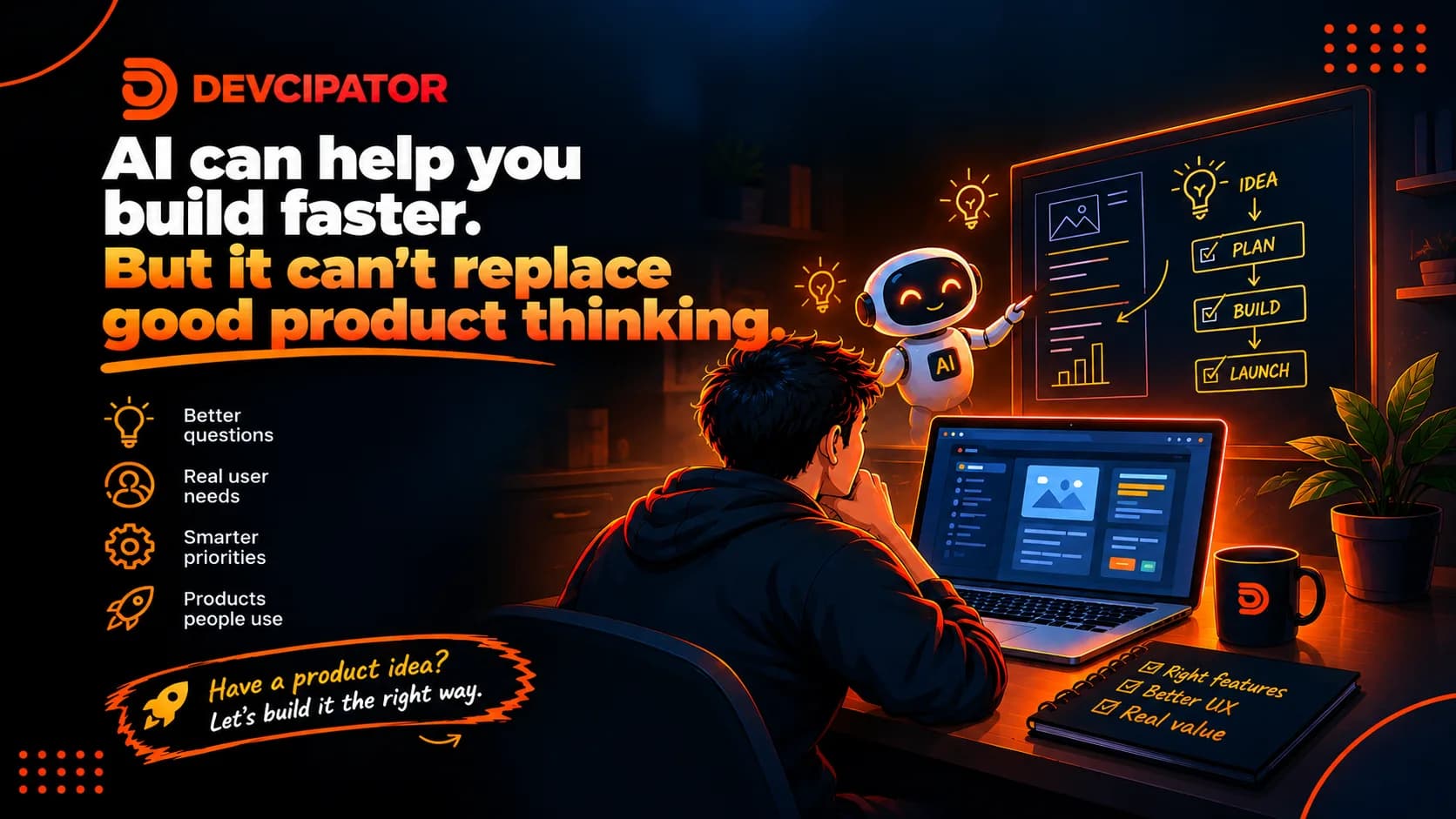
AI tools make building faster than ever, but knowing what to build still takes real product thinking. Here's why the hard part of launching a web app, SaaS, or MVP isn't development.
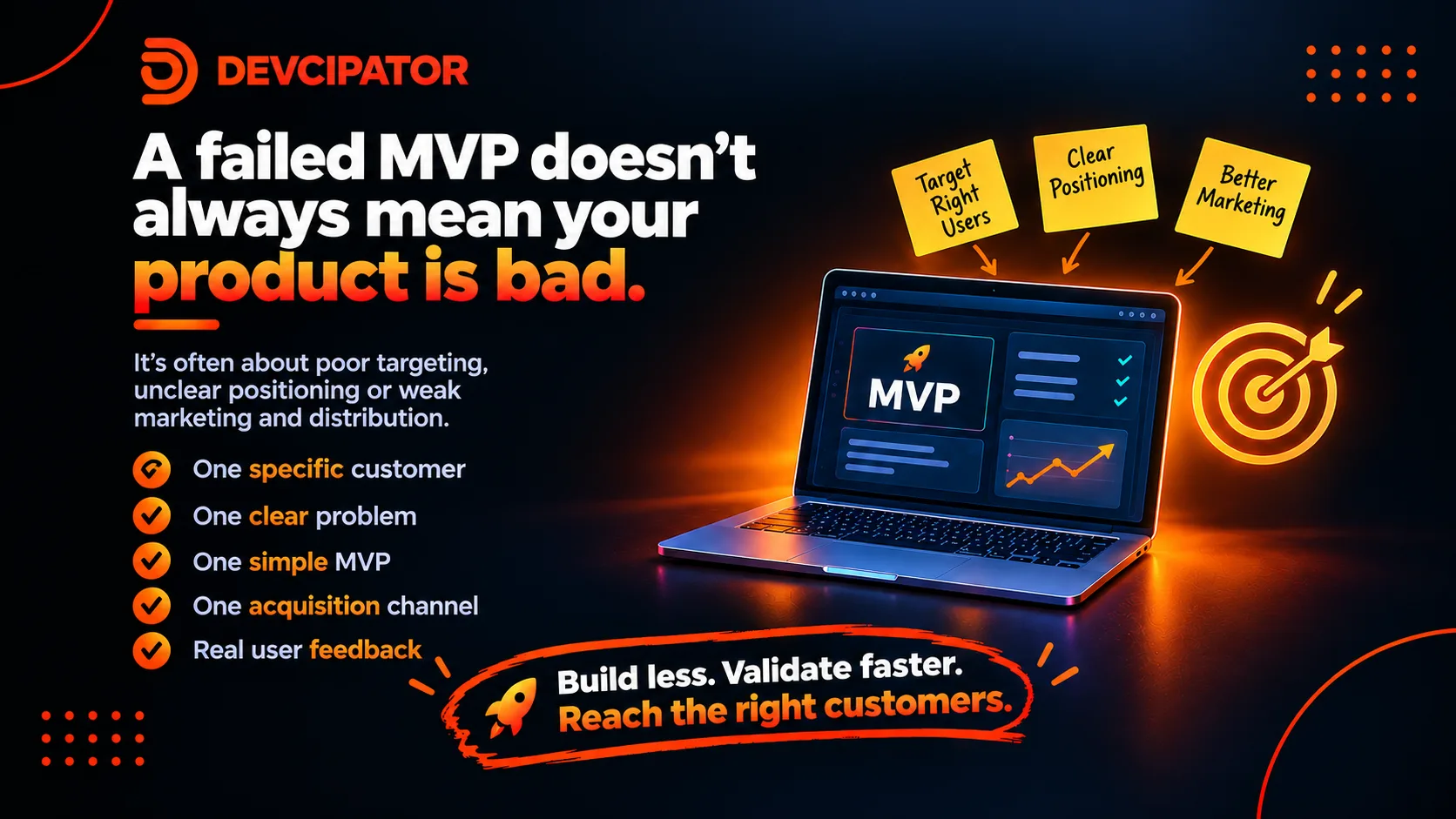
A failed MVP doesn't always mean a bad product. Often the real culprits are vague customer targeting, unclear positioning, and weak distribution. Here's what to fix before you add another feature.
