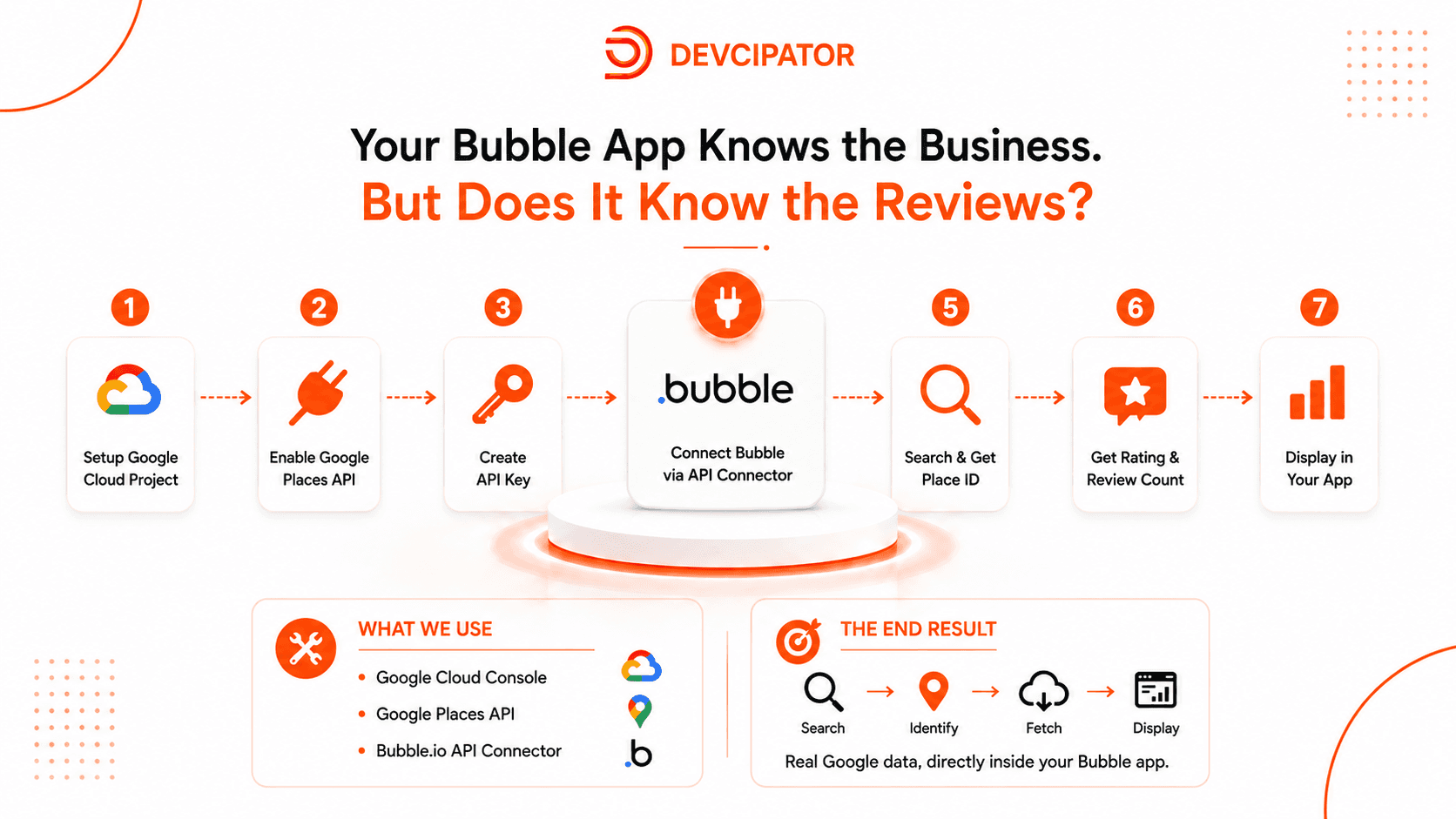
Your Bubble.io app can find a business. But can it show the real Google rating and review count?
Imagine building a Bubble.io app where users can search for businesses, view their locations, and access important business information. But there's one thing missing:
⭐ Google Rating
💬 Total Google Reviews
This is where the Google Places API comes in.
In this tutorial, you'll learn how to connect the Google Places API to Bubble.io and display real Google business ratings and review counts directly inside your Bubble application.
Step 1: Create a Google Cloud Project
We start by creating a Google Cloud project and setting up the environment required to work with Google Places data.
Step 2: Enable the Google Places API
Next, we enable the Google Places API so Bubble.io can request business information from Google.
Step 3: Generate an API Key
We create a Google API key and configure it properly so our Bubble application can securely access the required data.
Step 4: Connect Google Places API to Bubble.io
Using the Bubble.io API Connector, we connect our application to the Google Places API and prepare the API calls.
Step 5: Find the Business Place ID
When a user searches for a business, we use the business information to retrieve its unique Google Place ID.
Step 6: Retrieve Google Ratings and Reviews
Using the Place ID, our Bubble app can retrieve important business data, including:
⭐ Google Rating
💬 Total Review Count
Step 7: Display the Data in Bubble.io
Finally, we bring the Google Places data into our Bubble application and display the rating and review count dynamically.
And that's it. Your Bubble.io app can now search for businesses and display real Google ratings and review counts.
🛠️ TOOLS USED
- Bubble API Connector
- Google Cloud Console
- Google Places API
🎯 WHAT YOU CAN BUILD
This integration can be useful for:
- Business directories
- Local business search apps
- Marketplaces
- Review platforms
- Location-based applications
- Business discovery platforms
The process is simple:
Search → Find Place ID → Fetch Google Data → Display in Bubble.io
If you're a Bubble.io developer working with APIs, adding Google Places data can make your application much more useful and engaging.
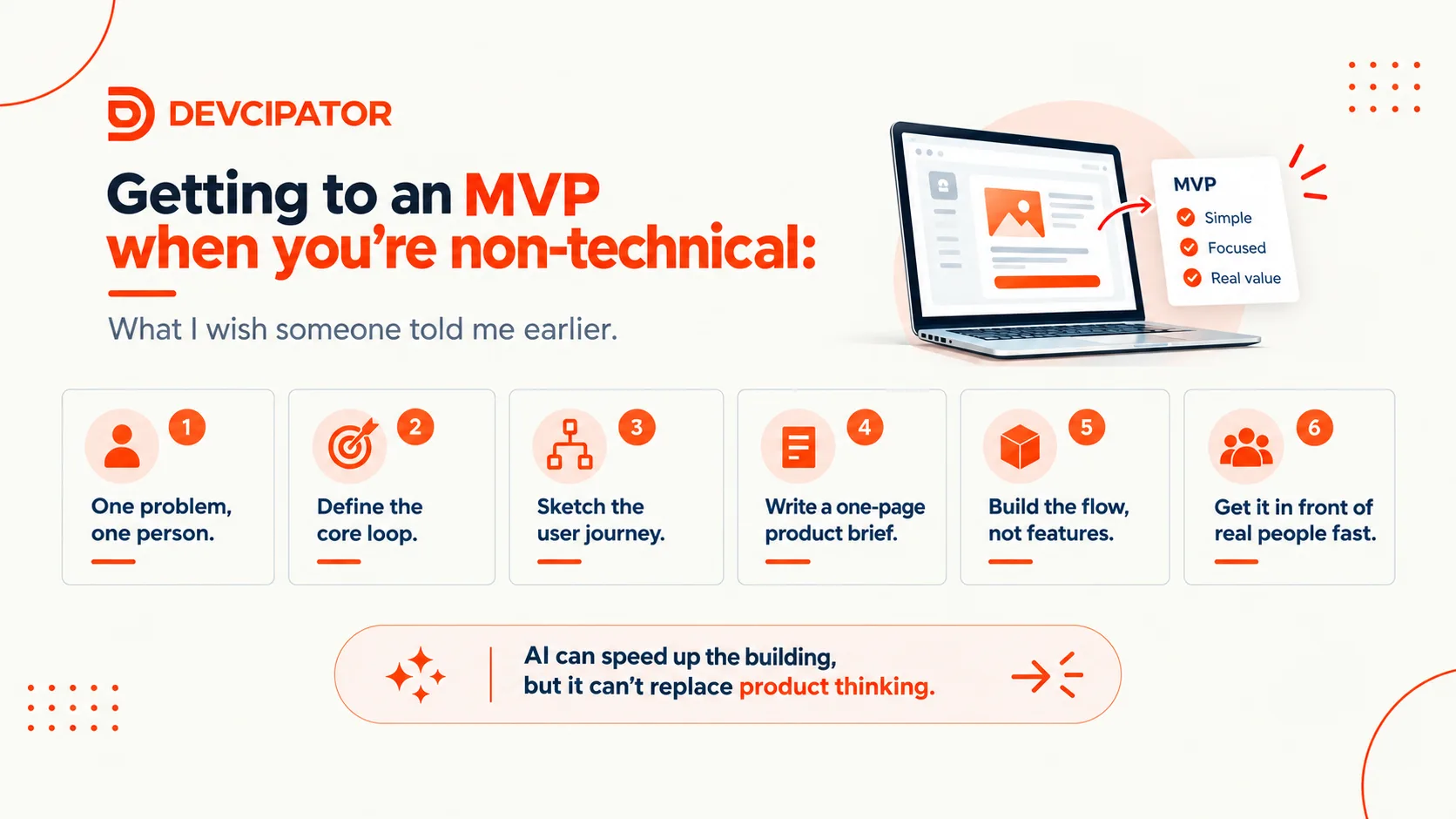
AI tools mean anyone can build, but the hard part was never the building. It's knowing what to build. Here's a simple, practical process for going from "I've spoken to users" to a coherent MVP, without ending up with AI slop.
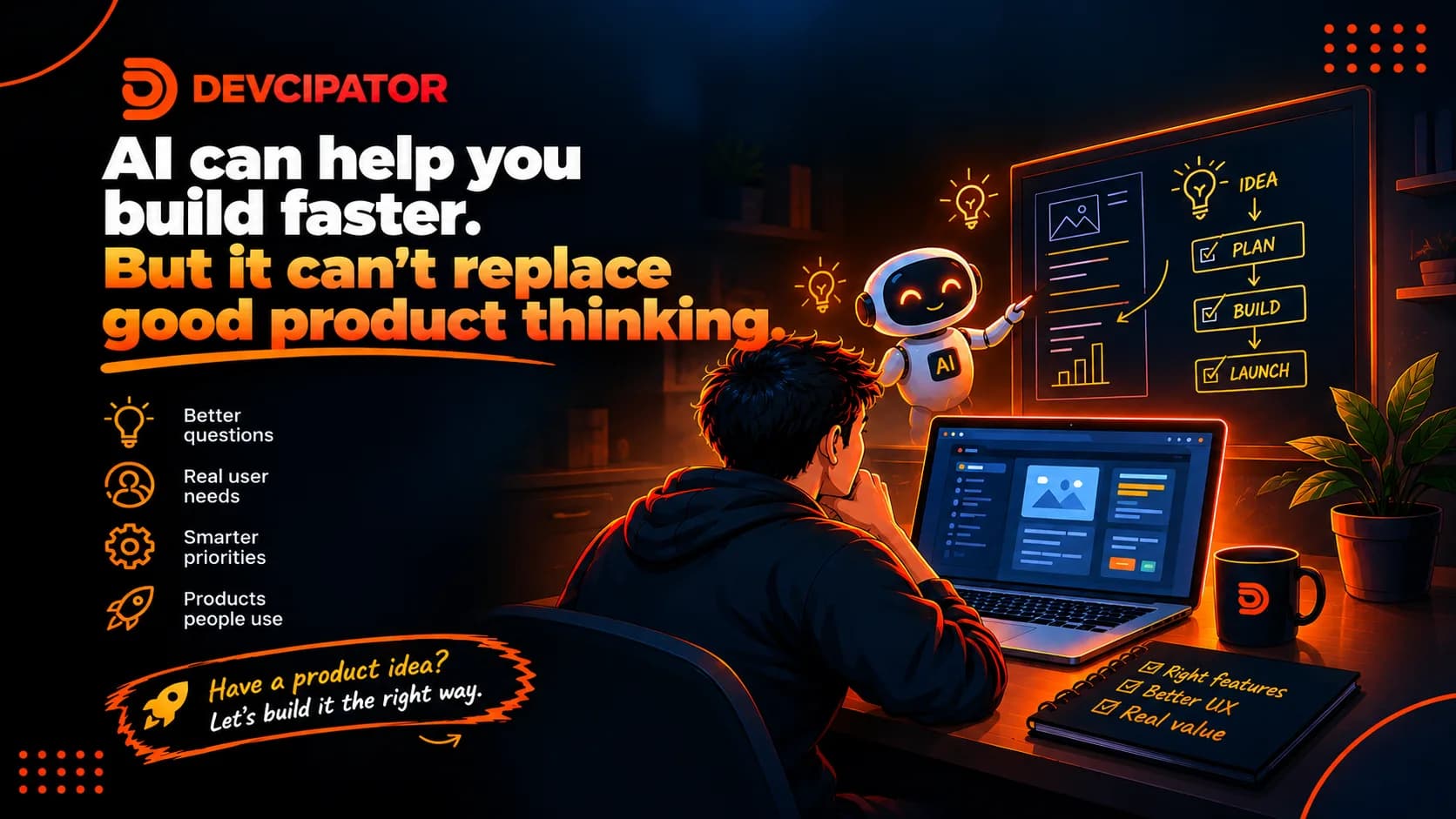
AI tools make building faster than ever, but knowing what to build still takes real product thinking. Here's why the hard part of launching a web app, SaaS, or MVP isn't development.

A failed MVP doesn't always mean a bad product. Often the real culprits are vague customer targeting, unclear positioning, and weak distribution. Here's what to fix before you add another feature.
