
No-Code Development in 2026: A Complete Guide to Building Apps Faster Copy Title
Introduction
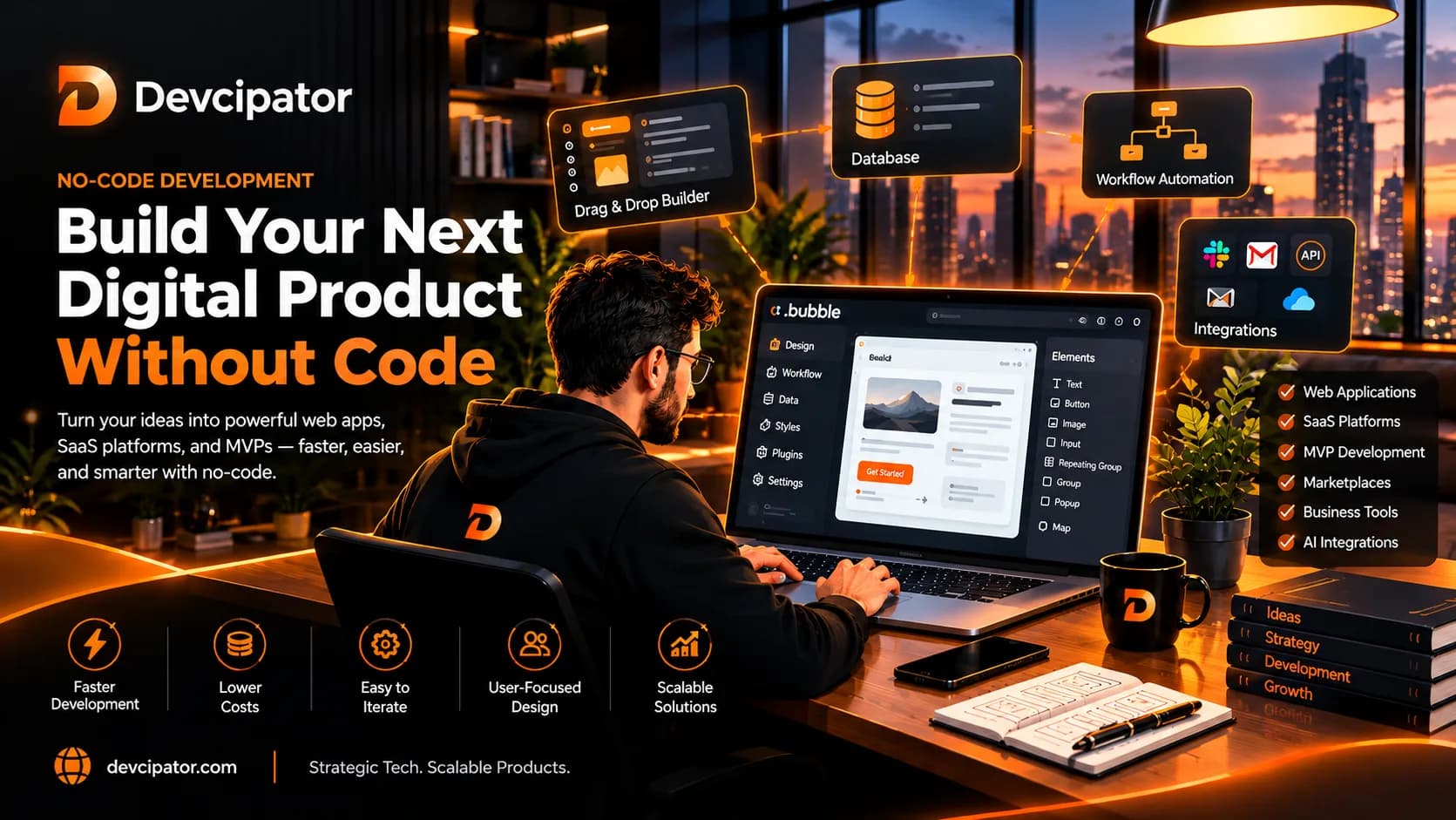
Building a digital product no longer always requires writing thousands of lines of code. With no-code development platforms, startups, entrepreneurs, and established businesses can create functional applications using visual editors, reusable components, workflows, and integrations.
From launching a minimum viable product (MVP) to developing a SaaS platform or automating business operations, no-code tools have opened new opportunities for turning ideas into working software.
But does no-code development work for every project? What can you build with platforms such as Bubble.io? And how do you know whether no-code is the right choice for your business?
In this guide, we'll explain how no-code development works, its key advantages and limitations, the types of applications you can build, and how to approach your project strategically.
At Devcipator, we help businesses transform ideas into digital products through visual development platforms, including Bubble.io, alongside modern custom development technologies. Our focus is on building practical products that meet real business requirements and have a clear path toward growth.
What Is No-Code Development?
No-code development is an approach to building software applications using visual development tools instead of writing traditional code for every component.
Rather than manually programming an entire application, developers can use visual interfaces to create pages, design databases, configure workflows, manage user interactions, and connect external services.
A no-code application can still include sophisticated functionality. The difference is largely in how the application is created and maintained.
For example, a business that wants to launch a customer portal could use a no-code platform to build:
User registration and login
Customer dashboards
Database-driven forms
Search and filtering
Booking or ordering workflows
Payment integrations
Admin panels
Notifications and automated processes
The appropriate features depend on the platform, available integrations, application architecture, and project requirements.
The main idea: No-code development reduces the amount of traditional coding required, allowing teams to focus more directly on product functionality, user experience, and business goals.
How Does No-Code Development Work?
No-code platforms combine visual design tools with application logic and data management.
Although each platform works differently, the development process generally follows these steps.
1. Define the Product Requirements
Start by identifying the problem your application will solve, who will use it, and what those users need to accomplish.
For example, a startup building a booking platform may need customer accounts, service listings, appointment scheduling, and booking management.
Defining these requirements early helps prevent unnecessary features and keeps the project focused.
2. Design the User Interface
Use visual editors and design tools to plan the application's screens, layouts, forms, dashboards, and navigation.
Good UI/UX design is important even when using no-code tools. An application should be easy to understand and use, not simply quick to assemble.
At Devcipator, UI/UX design can be planned in tools such as Figma or Adobe XD before development begins.
3. Set Up the Database
Most applications need to store and retrieve information.
Depending on the project, this may include user accounts, product listings, customer records, transactions, bookings, or subscription details.
The data structure should be planned carefully to support the application's workflows, access permissions, and future requirements.
4. Build Workflows and Business Logic
Workflows determine how the application behaves when users take actions.
For example, when a customer submits a booking request, the application may save the booking, notify an administrator, update availability, and display a confirmation message.
These workflows connect the user interface, database, and other application services.
5. Connect External Services
Many no-code applications rely on external services for payments, email delivery, maps, analytics, AI functionality, and other capabilities.
Platforms such as Bubble.io support integrations and API-based workflows, subject to the relevant service and platform requirements.
6. Test and Launch
Before launch, test important user journeys, database operations, permissions, integrations, mobile responsiveness, and error handling.
A visually built application still requires proper quality assurance, deployment planning, and ongoing maintenance.
What Can You Build With No-Code Development?
No-code is useful for many types of digital products, although the suitability of a platform depends on the project's complexity and requirements.
1. Startup MVPs
A minimum viable product is an initial version of a product that delivers its core value and allows you to learn from real users.
No-code development can be a practical option for testing a startup idea without building every planned feature from the beginning.
Examples include:
Appointment booking applications
Customer management tools
Service marketplaces
Membership platforms
Early-stage SaaS products
Internal business dashboards
The goal is to build a focused, usable product that helps validate demand and informs future development.
2. SaaS Platforms
Software as a Service (SaaS) products allow customers to access software online, often through a subscription.
Depending on the requirements, no-code platforms can support features such as:
User registration and authentication
Customer dashboards
Subscription and payment workflows
Role-based access
Data management
Administrative tools
Third-party integrations
A production SaaS application needs more than a working interface. Database permissions, privacy, billing behavior, reliability, and operational requirements must also be addressed.
3. Marketplaces and Booking Systems
No-code tools can be used to develop platforms that connect customers with providers or allow users to reserve services.
Possible features include searchable listings, user profiles, booking requests, availability management, reviews, and payment workflows.
More complex marketplaces may require careful planning for commissions, refunds, disputes, scheduling conflicts, and permissions.
4. Internal Business Tools
Businesses can use no-code development to create tools that organize everyday operations.
Examples include inventory dashboards, project trackers, customer portals, employee management systems, and reporting applications.
These tools can help consolidate information and replace fragmented manual processes, provided they are designed around the organization's actual workflows.
5. AI-Powered Applications
No-code platforms can also connect to AI services through supported plugins, APIs, and integrations.
Examples include AI assistants, content generation tools, document processing applications, and automated customer support workflows.
AI integration requires attention to output quality, data privacy, operating costs, and failure handling. Connecting an AI model does not automatically make an application reliable or production-ready.
Why Businesses Choose No-Code Development
No-code development can offer meaningful advantages when the platform fits the product requirements.
Faster Development for Suitable Projects
Visual development tools can reduce the time required to create interfaces, workflows, and common application features.
This can help teams move from product planning to a working version without implementing every component through traditional coding.
However, the overall timeline still depends on design complexity, integrations, data requirements, testing, and the project's scope.
More Efficient MVP Validation
Startups often need to test whether customers want a product before investing in a larger build.
A focused no-code MVP can provide an opportunity to gather feedback, observe user behavior, and refine the product direction.
Instead of spending resources on features that may not be needed, teams can prioritize the functionality that matters most.
Visual Development and Easier Iteration
Many no-code platforms allow developers to modify layouts, workflows, and application logic through visual editors.
This can make certain changes easier to implement and review, particularly when the application is structured well.
Changes still need to be tested carefully, especially when they affect shared workflows, existing data, or connected services.
Access to Advanced Integrations
No-code applications can often connect with external tools for payments, email, analytics, automation, and AI.
These integrations make it possible to build more capable products without independently developing every supporting service.
The availability and complexity of each integration should be evaluated before selecting a platform.
A Practical Option for Business Ideas
For entrepreneurs and businesses with limited engineering resources, no-code development may provide a practical route to building an initial product.
It can help reduce the amount of custom coding needed, although platform subscriptions, specialist development, integrations, and maintenance still contribute to the total cost.
What Is Bubble.io, and Why Does It Matter?
Bubble.io is a visual development platform used to build web applications through a combination of interface design, database management, workflows, and integrations.
It is particularly relevant to founders and businesses planning web-based products without wanting to implement every part of the application through traditional code.
With Bubble.io, suitable projects may include:
SaaS applications
Startup MVPs
Customer portals
Booking platforms
Marketplaces
Internal business tools
Applications that connect to external APIs
AI-enabled web applications
The platform can support substantial application functionality, but it is not automatically the best choice for every product. Project requirements, performance expectations, integrations, data architecture, and long-term plans should guide the decision.
Bubble.io vs. Traditional Development
The key difference is the development approach, rather than whether the final product is a real application.
Bubble.io and other visual development platforms can reduce the amount of traditional coding needed for suitable projects and provide an integrated environment for building application features.
Traditional custom development can offer more direct control over code, architecture, infrastructure, and specialized functionality, but typically requires more engineering work.
The right approach depends on what you are building, the constraints you face, and how the product may evolve.
As an Official Bubble Agency Partner, Devcipator provides Bubble.io development for businesses looking to build MVPs, SaaS applications, and custom web-based solutions.
Learn more at https://www.devcipator.com/
No-Code vs. Low-Code: What's the Difference?
No-code and low-code development are related, but they are not identical.
No-code development emphasizes visual tools that allow applications to be built with little or no traditional coding for supported functionality.
Low-code development combines visual tools with the option to write code when more customization or control is needed.
FactorNo-CodeLow-CodeDevelopment approachPrimarily visual toolsVisual tools plus optional codeCustomizationDepends on platform capabilitiesCan allow deeper customizationTechnical expertisePlatform knowledge is still importantCoding knowledge may be requiredSuitable projectsMVPs, web apps, workflows, business toolsMore customized or technically demanding applicationsMain considerationPlatform constraintsBalance between visual development and custom engineering
Neither approach guarantees a faster, cheaper, or better result. The best option depends on the product's requirements and the team's capabilities.
What Are the Limitations of No-Code Development?
No-code development is powerful, but it is not a universal solution.
Understanding its limitations helps businesses make better technology decisions.
1. Platform Dependency
When you build on a particular platform, your application depends on its features, pricing, policies, and technical capabilities.
Moving to another platform or migrating to a custom-built application may require significant work.
Before committing, review the platform's export options, data access, integration capabilities, and long-term suitability.
2. Complex Requirements
Some applications require specialized algorithms, highly customized interfaces, unusual data processing, or precise control over infrastructure.
A no-code platform may support these requirements through workflows, plugins, APIs, or custom code, but the implementation may become more difficult as complexity increases.
3. Performance and Scalability
No-code applications can support real business use cases, but performance depends on the platform, application design, database queries, workflows, and usage patterns.
Poorly designed workflows or inefficient data operations can create problems regardless of the development approach.
Testing and monitoring help identify where optimization is needed.
4. Security and Data Management
Visual development does not remove responsibility for application security.
Developers must configure authentication, authorization, database permissions, sensitive data handling, backups, and integrations appropriately.
A successful launch requires testing these areas rather than assuming the platform handles every security concern automatically.
5. Long-Term Costs
No-code development may reduce some engineering effort, but total ownership costs can include platform subscriptions, usage charges, paid plugins, third-party APIs, maintenance, and future changes.
Estimate these costs against your expected usage and business model before choosing the platform.
The takeaway: No-code works best when its advantages align with the product's actual requirements. Technology should serve the business goal, not dictate it.
How Much Does No-Code App Development Cost?
There is no single price for building a no-code application. The total cost depends on what the product needs to do and how much work is required to make it reliable.
Important cost factors include:
Number and complexity of features
UI/UX design requirements
Database structure and permissions
External API integrations
Payment and subscription workflows
Admin dashboards and user roles
Testing and deployment
Platform subscriptions and paid plugins
Ongoing maintenance and enhancements
A simple internal tool and a multi-tenant SaaS platform have very different requirements, even if both are built with the same visual development platform.
A sensible way to manage costs is to define a clear first version, prioritize essential functionality, and separate launch requirements from future enhancements.
At Devcipator, we recommend discussing the scope and technical requirements before deciding on the most suitable development approach.
How to Choose the Right No-Code Development Partner
The platform is only one part of a successful project. The team building your application also needs to understand product strategy, user experience, workflows, and technical quality.
Before choosing a development partner, consider the following.
Review Relevant Experience
Look for experience with projects similar to yours, particularly in the platform and application category you want to build.
Ask how the team approaches databases, integrations, permissions, and complex workflows.
Understand the Development Process
A reliable process should include discovery, design, development, testing, deployment, and an appropriate handover.
You should know what is included in the scope and how progress will be reviewed.
Prioritize UI/UX Design
The application should be easy to navigate and use. Review how the team plans user journeys, designs screens, and validates usability before launch.
Discuss Ownership and Handover
Clarify access to the application, data, platform accounts, documentation, and relevant integrations.
Ask what training is included and how you will manage supported content or layout changes after launch.
Plan for Future Improvements
Your initial product may need new features, integrations, or performance improvements later.
Choose an approach that meets current needs while providing a realistic path for future development.
How Devcipator Helps You Build With No-Code
Devcipator helps startups and businesses turn ideas into functional digital products, including Bubble.io applications, MVPs, SaaS platforms, and AI-powered solutions.
Our process focuses on building around your requirements instead of adding unnecessary complexity.
1. Free Consultation
We discuss your idea, business goals, requirements, and potential development approach.
This helps establish a clearer project scope before development begins.
2. UI/UX Design
We plan the application's user experience and design its interface using tools such as Figma or Adobe XD.
Development begins after you approve the final design.
3. Visual Development
We build the agreed functionality using Bubble.io or another appropriate technology, depending on the project requirements.
This may include authentication, database architecture, workflows, dashboards, and API integrations.
4. Testing and Deployment
We test the application, address issues, and prepare it for launch.
Quality assurance is important for checking that the application's essential workflows operate as intended.
5. Handover and Client Training
After launch, we provide guidance on managing your application and making supported minor layout or content changes.
6. Optional Ongoing Maintenance
If you need continued assistance, optional maintenance can help with troubleshooting, updates, and feature enhancements.
Whether you are validating a startup idea or planning a more advanced web application, the development approach should match your product goals, budget, and long-term needs.
Explore our services at https://www.devcipator.com/
Frequently Asked Questions About No-Code Development
Can you build a real business with no-code?
Yes. No-code platforms can be used to build business applications, SaaS products, marketplaces, customer portals, and other software. Success depends on solving a genuine problem, delivering a usable product, and managing its technical and business requirements effectively.
Is Bubble.io good for MVP development?
Bubble.io can be a suitable option for many web-based MVPs, particularly when the product can be built effectively using its visual development tools, workflows, and integrations. The platform should still be evaluated against the application's specific requirements.
Can no-code applications integrate with APIs?
Many no-code platforms support API integrations, although the available methods and complexity vary. API authentication, data mapping, error handling, usage limits, and security should be planned carefully.
Can a no-code application scale as the business grows?
Some no-code applications can support substantial growth when designed and maintained appropriately. Scalability depends on the platform, application architecture, workflows, database design, performance requirements, and usage patterns.
Is no-code always cheaper than custom development?
No. No-code can reduce certain development costs, but platform fees, integrations, maintenance, and limitations can affect total ownership costs. The best choice should be based on the full project requirements rather than the initial build alone.
Can I add AI features to a no-code application?
Yes, depending on the platform and available integrations. AI features can be connected through supported plugins or APIs, but reliability, privacy, operating costs, and user experience need to be considered.
Conclusion: Is No-Code Development Right for Your Business?
No-code development has created new ways for startups and businesses to turn ideas into working digital products.
It can be an effective approach for MVPs, SaaS platforms, marketplaces, internal tools, and other applications when the platform fits the project's needs.
However, choosing the right tool is only the beginning. Successful products still require clear strategy, thoughtful UI/UX design, reliable workflows, secure data management, testing, and ongoing improvement.
You do not need to build everything at once. Start by defining the problem, identifying the essential features, and selecting a development approach that supports your goals.
When no-code is the right fit, platforms such as Bubble.io can help you move toward a working product through visual development. When requirements call for greater technical control, low-code or custom development may be more appropriate.
The goal is not simply to build faster. It is to build the right product.
Ready to Build Your No-Code Application?
Have an idea for a SaaS platform, startup MVP, marketplace, or business application?
Devcipator can help you evaluate your requirements, explore the right technology, and move from concept toward launch.
Visit Devcipator.com to explore our services and discuss your project.
Related articles
Build a AI Story Generation App in Bubble.io | Part 1 - Figma Flow & Auth System
Part 1 of our Story Generation App training series -- a full walkthrough of the Figma app flow, application structure, and complete user authentication system built in Bubble.io.
Should You Move Your Bubble.io App to Custom Code? A Practical Guide
Is your Bubble.io app becoming expensive, slow, or difficult to scale? Before moving to custom code, understand the real reasons behind the problem and whether a complete technology migration is actually the right solution.
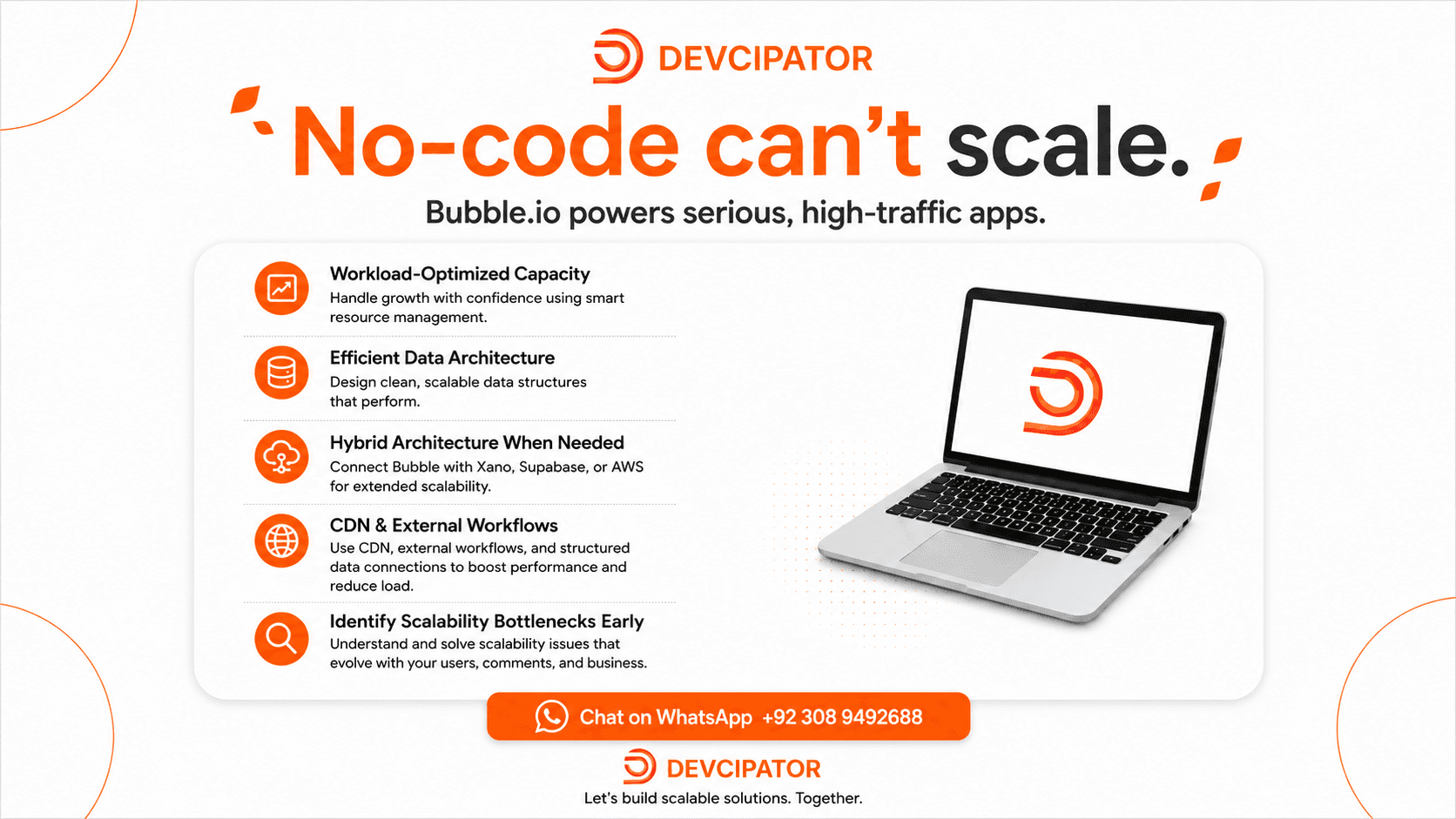
No-Code Apps Can't Scale? Here's Why That's a Myth
There's a common assumption that no-code platforms fall apart under real traffic and growth. The truth is scalability depends on architecture, not the platform — and Bubble.io can power serious, high-traffic applications when built right.