
Software Customization Services: Extend, Integrate or Rebuild?
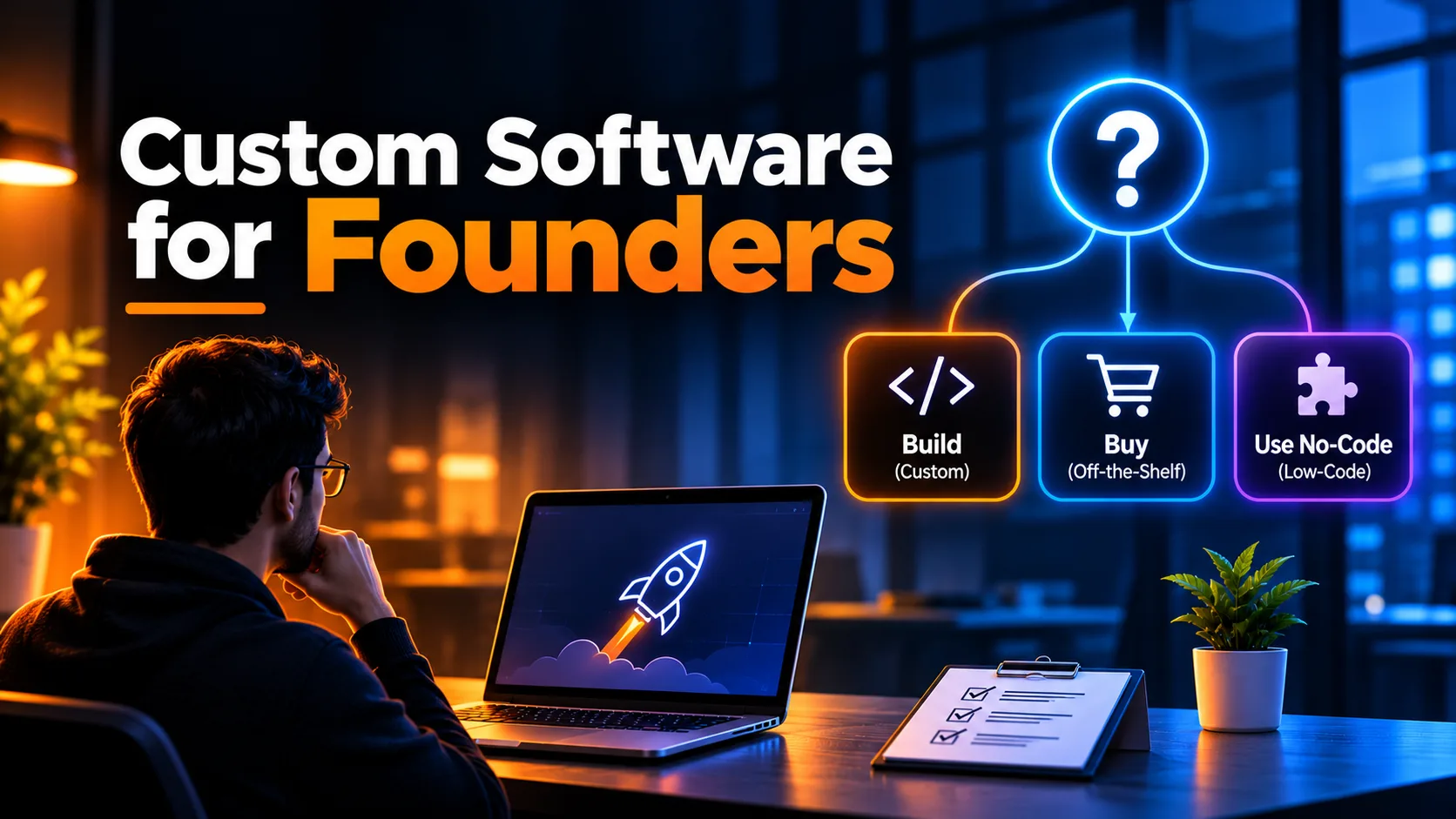
Software customization services adapt a product you already use so it fits how your business works, through configuration, extensions, integrations, a custom layer or changes to the code. The right choice is usually the lightest one that solves the problem, because every customization is something you will have to maintain.
That last part is what most buyers miss. A customization is not a one-time purchase. It has to survive the vendor's next update, stay documented and remain understandable to whoever looks after it next. This guide explains the main types, how to choose between them, and how to run the work without creating a system nobody dares to touch.
What Software Customization Services Actually Include
"Customization" covers very different kinds of work, and the differences matter for cost, risk and upkeep. Here they are from lightest to heaviest.
Configuration
Configuration uses settings the vendor already provides: custom fields, roles, permissions, templates, pipelines and automation rules. It is the safest option because the vendor supports it and it normally carries through upgrades. Always exhaust it first. Sometimes a "we need custom development" request turns out to be a settings page nobody had opened.
Extensions and plugins
Many platforms have a marketplace of add-ons or a supported way to build your own. An extension adds a capability without changing the core product. The risk moves to the extension itself: who maintains it, how quickly it follows platform updates, and what data it can access.
Integrations
Integrations connect your tools through APIs and webhooks so data moves automatically: a paid order creates an invoice, a signed contract opens a project, a support ticket updates the customer record. When the real complaint is copying data between systems, integration is often the whole answer.
A custom layer around existing tools
Sometimes the system of record is fine but the daily experience is not. A small custom application can sit on top of it, such as a simplified portal, an approval screen or an operations dashboard, while reading and writing through the API. Your team gets a workflow built for them, and the underlying product stays upgradeable.
Source code modification
If you own or license the source, developers can change the product directly. This gives the most control and carries the most risk. Modified code can drift away from the vendor's version, which makes every future upgrade a merge project. Treat it as a last resort unless you have fully taken ownership of that codebase.
How to Decide: Configure, Extend, Integrate or Replace
Start from the problem instead of the solution. Write down the specific thing that is slow, error-prone or impossible today, then work down this table and stop at the first option that solves it.
| Option | Choose it when | Main trade-off |
|---|---|---|
| Configure | The product already supports the behaviour through settings | You stay within the vendor's model |
| Extend | A supported add-on covers the missing capability | You depend on the add-on's quality and upkeep |
| Integrate | Each tool works well but data does not flow between them | Integrations need monitoring when an API changes |
| Custom layer | The data is right but the workflow or interface is wrong | You now own a small application |
| Replace | The product's core model conflicts with how you operate | Highest effort, including data migration and retraining |
Signs customization is the wrong answer
Customizing stops making sense when you are fighting the product rather than adapting it. Watch for these signals:
Each new requirement needs a workaround on top of an earlier workaround.
You avoid vendor upgrades because something might break.
Only one person understands how the system really works.
The data model cannot represent how your business operates, so people keep shadow spreadsheets.
If several of these sound familiar, compare the cost of continuing with a focused replacement. Our guide to when custom software makes sense covers that decision, and low-code vs. traditional development explains the build options if you do replace it.
A Practical Order for a Customization Project
Customization projects often go wrong before any development starts, when the request is framed as a feature instead of a problem. This order keeps the work small and reversible.
1. Map the current workflow
Watch the people who do the work. Note each step, who performs it, which system they use and where they copy, wait or correct something. The painful step is often not the one managers assumed.
2. Audit what you already have
List your current tools, their plans, available settings, API access and existing add-ons. Check the vendor's documentation and terms too, because some products restrict API usage or limit certain features to higher plans.
3. Choose the lightest option and write down why
Record the decision and the alternatives you rejected. When someone asks in a year why the system works this way, that short note saves a great deal of guesswork.
4. Build in a test environment
Never develop against live business data. Use a sandbox or staging environment, and test with realistic records, including the awkward ones: duplicates, missing fields, cancelled orders and unusual permissions.
5. Roll out to a small group
Release to one team first and keep the old path available until the new one has proved itself. Real users will find edge cases that no specification predicted.
6. Document it and plan for upkeep
Write down what was changed, where it lives, which credentials and accounts it relies on, and how to turn it off. Decide who is responsible when a vendor update or API change breaks something.
Common Mistakes to Avoid
Customizing around a broken process. Software makes a bad process faster, not better. Fix the process first.
Recreating the old system. Moving to a new tool and then rebuilding every old habit inside it throws away the reason you moved.
Ignoring upgrades. Ask how each change behaves when the vendor releases a new version before you approve it.
Giving integrations too much access. Use the narrowest permissions that work, and keep credentials out of shared documents.
Skipping error handling. Integrations fail silently unless someone builds alerts and retries. Otherwise, lost records tend to surface long after the failure.
Not owning the work. Make sure the code, accounts and documentation belong to your business, not to the person who built them.
How to Choose a Software Customization Partner
A good partner will sometimes tell you not to build anything. Be cautious of anyone who proposes custom development before asking how you work today. In early conversations, ask:
Which lighter options would you rule out first, and why?
How will this behave when the vendor ships an update?
Who owns the code, accounts and documentation at the end?
How will we be alerted if an integration fails?
What does support look like after launch?
This is how we approach custom software development at Devcipator. We start by working out whether to extend, integrate or replace, and we only recommend a build when it is the better option. If repetitive work between tools is the main issue, AI agents and automation may be a simpler route.
Frequently Asked Questions
What are software customization services?
They adapt existing software to fit a business through configuration, extensions, integrations, custom layers or code changes. Custom development, by contrast, usually means building a new application from scratch.
What is the difference between a custom development service and software customization?
Customization starts with a product you already use and changes how it works. A custom development service builds software around your requirements, which suits cases where no existing product fits well.
What tools can create custom business software?
Options range from no-code and low-code platforms such as Bubble to traditional frameworks such as Next.js. The right choice depends on how complex the workflow is, how much control you need and who will maintain it.
Should I hire a custom internal tool agency or customize what I have?
Try configuration and integrations first. An internal tool makes more sense when your team needs a workflow that existing products cannot support without constant workarounds.
Which custom software development services provide free consultations?
Many agencies offer one, so ask what it includes before you book. Devcipator offers a free 30-minute consultation to talk through your workflow and options.
Not sure whether to customize, integrate or replace? Tell us what your team is working around and we'll help you find the simplest option that works.
Related articles

Digital Product Development in 2026: From Idea to Launch and Beyond
Learn how digital product development works, from idea validation and UI/UX design to MVP development, testing, launch, and scaling your product.
One Person’s Waste Is Another Person’s Business Model
A construction company pays to remove dirt that a developer ten miles away pays to buy. The same principle applies to software: the best opportunities come from seeing value where others see waste.
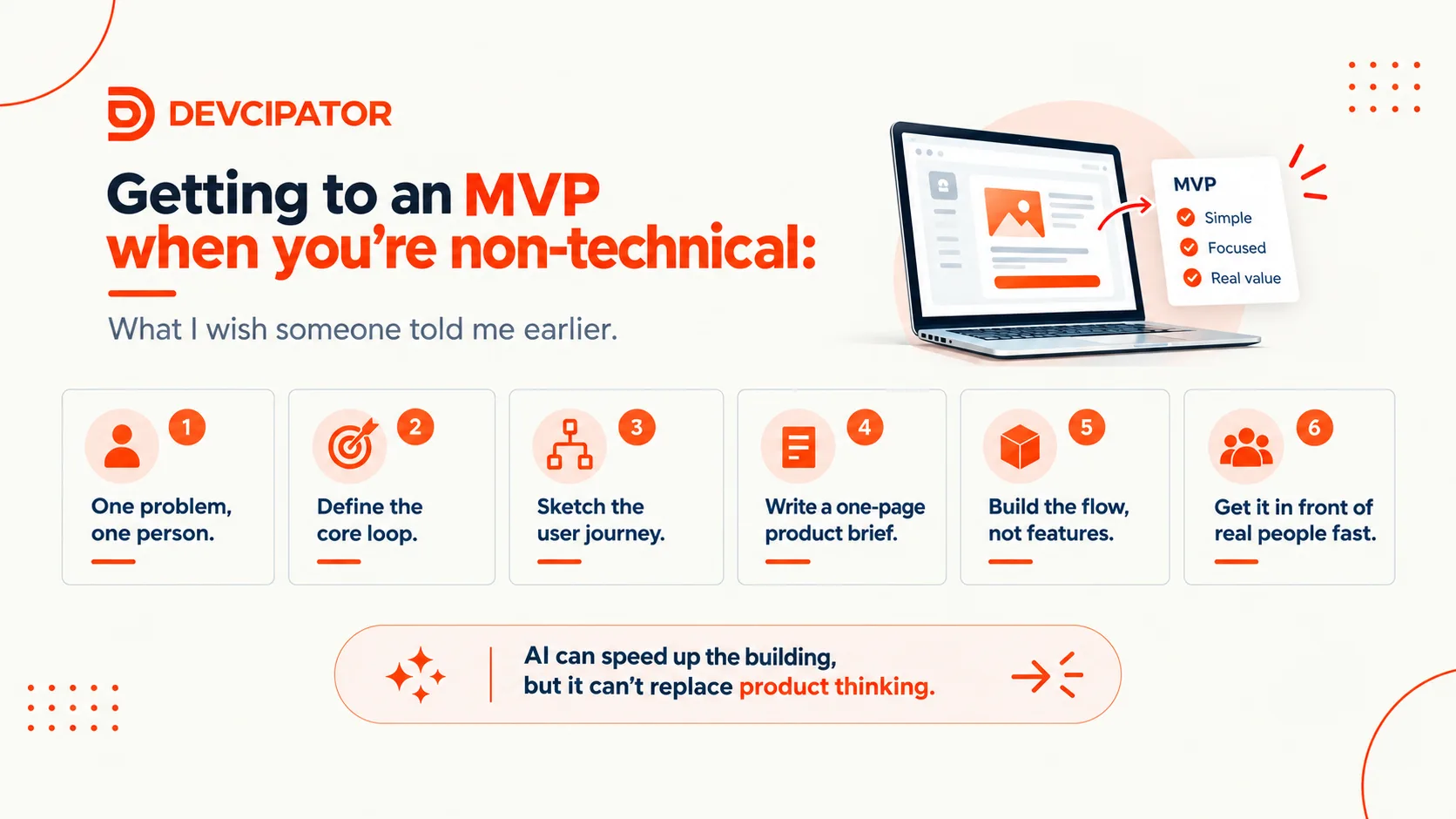
Getting to an MVP When You're Non-Technical: The Process I Wish I'd Known Earlier
AI tools mean anyone can build, but the hard part was never the building. It's knowing what to build. Here's a simple, practical process for going from "I've spoken to users" to a coherent MVP, without ending up with AI slop.