
Custom Software for Startups: When to Build It and How to Get It Right
Custom software for startups makes sense when the software itself is your product or your competitive edge, and when off-the-shelf tools or no-code platforms would force you to change how the business works. If you are still testing whether anyone wants what you are building, start with a focused MVP instead and commit to a custom build once you know which workflows really matter.
That is the short version. The rest of this guide covers how to tell which situation you are in, what a sensible custom build looks like in order, and the mistakes that most often turn a startup's first serious software project into an expensive rewrite.
When Custom Software Is the Right Call for a Startup
"Custom" is not automatically better. It means you own the decisions, the code and the maintenance. That is a strength when the software is central to your business and a burden when it isn't. These are the situations where it usually pays off.
The software is the product
If customers pay you for the software itself, such as a SaaS platform, a marketplace or a specialised tool for an industry, the product's behaviour is your business model. You will want control over the data model, the user experience and how features evolve, and you will eventually need a codebase that a growing team can work in.
Your workflow is the advantage
Some startups win because they run an operation differently: a faster fulfilment process, a smarter scheduling model, a more transparent way of matching supply and demand. When the process is the edge, forcing it into a generic CRM or project tool tends to erase exactly what makes you different.
You have outgrown a stack of disconnected tools
Many early teams run on spreadsheets, forms, automations and several SaaS subscriptions stitched together. That is a perfectly good way to start. It becomes a problem when data is copied by hand between systems, nobody trusts which version is correct, and every new process means another workaround. One platform built around how you actually work can replace that sprawl.
You have requirements a platform can't meet
Specific security or compliance needs, unusual integrations, heavy background processing or full control over hosting and data location can all push you toward custom code. Check these requirements early, because they are expensive to discover after launch.
When You Should Not Build Custom Software Yet
The most common startup mistake we see is not choosing the wrong technology. It is building too much, too early, before the problem is validated.
You haven't talked to enough real users. If you can't describe the main job your product does for a specific person, a custom build will lock in guesses.
An existing tool already does the job. Accounting, email, payroll and basic CRM are solved problems. Build what is unique to you and integrate the rest.
You need to learn quickly. A no-code or low-code MVP can often get a working product in front of users sooner, and it is cheaper to throw away if the idea changes.
If that sounds like you, read our guide to getting to an MVP as a non-technical founder, and our comparison of low-code vs. traditional development for the trade-offs between the two routes.
Custom Code, No-Code or Off-the-Shelf: How to Decide
Most startups end up with a mix of all three. The useful question is not "which one?" but "which parts of the product belong where?"
ApproachBest forMain trade-offOff-the-shelf SaaSStandard business functions that are not your differentiatorYou adapt to the tool, and you rent it for as long as you use itNo-code or low-codeValidating an idea, internal tools and early versions of a productPlatform limits and lock-in, which matter more as the product growsCustom softwareCore product logic, unique workflows and specific technical requirementsMore upfront work, and you own maintenance and hostingA practical rule: keep commodity functions on proven tools, prototype uncertain ideas quickly, and invest custom engineering where it protects or creates your advantage. If you started on a no-code platform and are wondering whether it is time to move, our guide on moving a Bubble app to custom code walks through that decision.
How to Build Custom Software for a Startup, Step by Step
A good process matters more than any particular framework. This is the order that, in our experience building MVPs and custom platforms, avoids the most rework.
1. Map the workflow before you write requirements
Sit with the people who will use the system and walk through what they do today, step by step: who does what, with which data, and where it goes wrong. The output is a simple map of users, actions and data. Feature lists written without this map tend to miss the steps that cause the most pain.
2. Define the smallest version that delivers the core value
Pick the single workflow that matters most and design the first release around it. Everything else goes on a list for later. A narrow first release ships sooner, gets real feedback sooner and is easier to get right.
3. Design the data model and the screens together
Custom software design for startups is where many projects quietly succeed or fail. The data model decides what the product can do later, and the screens decide whether people will actually use it. Clickable prototypes in a tool like Figma let you test both with users before any code exists.
4. Choose a boring, well-supported stack
For most startup products, a mainstream web framework, a relational database and a managed hosting platform are the right default. Popular tools are easier to hire for, better documented and less likely to be abandoned. Choose something exotic only when a specific requirement demands it.
5. Build in short cycles with working software at each check-in
Ship small increments you can click through, not status reports. Short cycles surface misunderstandings while they are still cheap to fix, and they let you reprioritise as you learn.
6. Test with real users, then launch deliberately
Before launch, test the main workflows with the people who will use them, check permissions and data access carefully, and set up error monitoring and backups. Launch to a small group first if you can.
7. Plan for ownership after launch
Make sure you own the code repository, the hosting accounts and the domain, and that the project is documented well enough for another developer to pick it up. Budget time for maintenance, security updates and the improvements users will ask for.
Common Mistakes Startups Make With Custom Software
Building every feature for launch. Scope creep is the most reliable way to delay a product and blur what it is for.
Skipping discovery to save time. Requirements gathered in a single call usually miss the edge cases that matter most to daily users.
Not owning the code and accounts. If an agency or freelancer holds the repository and hosting, you don't fully control your product.
Choosing technology for the pitch deck. Trendy architecture adds complexity a small team then has to carry.
Ignoring the data model. Messy data structures are much harder to fix later than a messy screen.
Treating launch as the finish line. Software that nobody improves after launch slowly stops matching how the business works.
What to Look For in a Custom Software Partner
Whether you hire freelancers, an agency or an in-house team, look for people who ask about your users and your business model before they talk about technology. Ask to see working software they have shipped, how they handle changes in scope, how often you will see progress, and what happens after launch. Clear answers on code ownership and documentation are non-negotiable.
This is how we run custom software development at Devcipator: discovery first, design before code, short build cycles and a clean handover. If you are earlier than that and still validating an idea, our MVP development service is usually the better first step.
Frequently Asked Questions
What is custom startup software development?
It is designing and building software around a startup's own product or workflow, instead of adapting an existing tool. It usually covers discovery, UI/UX design, development, testing, launch and ongoing improvement.
Should a startup use custom software or no-code?
Use no-code or low-code when speed of learning matters most and the product fits the platform. Choose custom software when the software is your core product, when your workflow is your advantage, or when you have requirements a platform can't meet.
How do you build custom software?
Map the workflow, define the smallest valuable first release, design the data model and screens, build in short cycles with working software at each check-in, test with real users and then launch and maintain it.
Can existing software be customised instead of built from scratch?
Often, yes. Many tools can be extended through APIs, integrations or a custom layer on top. It is worth checking whether extending, integrating or replacing is the better option before starting a full build.
What does custom software design for startups include?
It typically includes user research, workflow mapping, the data model, wireframes and clickable prototypes, and a visual design that developers can build from. Getting this right first reduces rework during development.
Thinking about custom software for your startup? Tell us what you are building and we'll help you decide what to build first.
Related articles
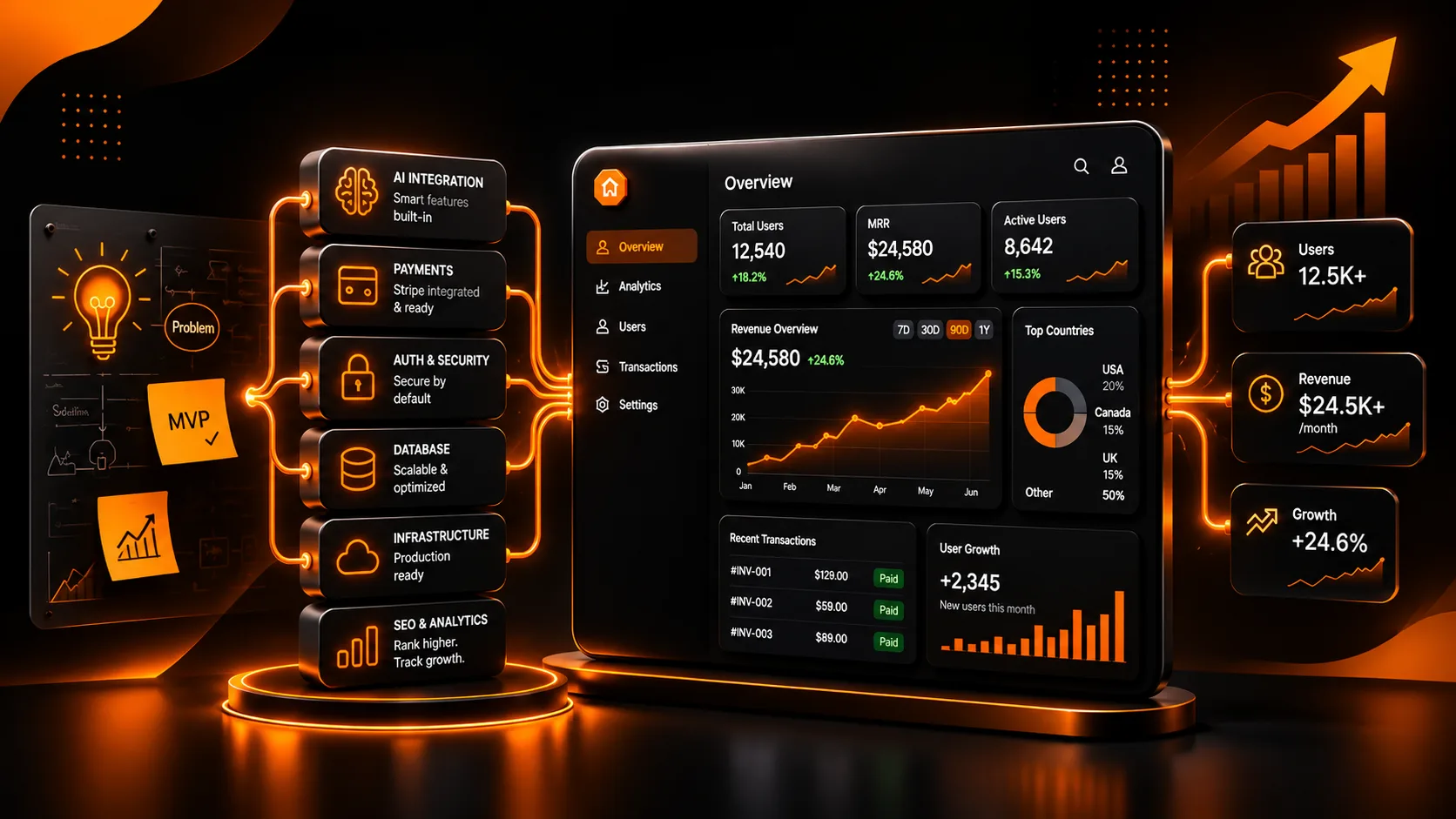
SaaS Product Development: A Complete Guide to Building Scalable Software in 2026
Learn how SaaS product development works, from validating your idea and building an MVP to choosing the right technology, designing scalable architecture, and launching a successful SaaS application.
How to Build a Startup in 2026: From Idea to Successful Digital Product
Learn how to build a startup in 2026, validate your business idea, develop an MVP, choose the right technology, and launch a successful digital product. Discover practical strategies for SaaS startups, AI applications, and scalable software solutions.
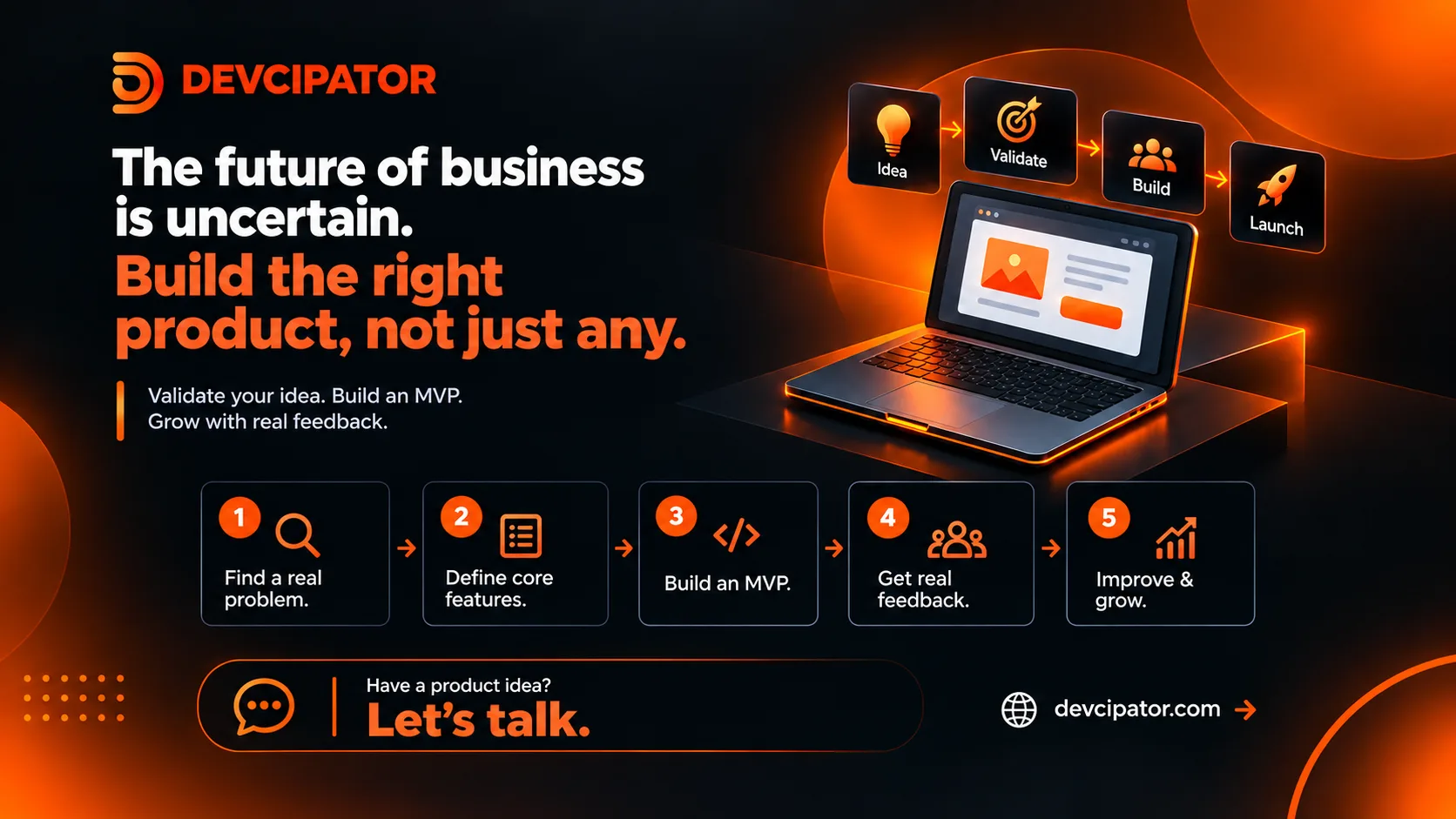
Building Your Next Product Shouldn’t Be a Guessing Game
Markets are unpredictable and budgets are tighter. Before you invest in a new product, validate the idea with a focused MVP and build the right thing first.